


Why Choose the Best WordPress Plugins for Beginners?
Plugins add features to your WordPress site without coding. For example, they handle SEO, security, or design tasks. With over 60,000 plugins in the WordPress directory, picking the right ones is hard. Therefore, we’ve chosen simple, reliable tools for 2025 trends like AI, voice search, and mobile-first design.
These plugins suit bloggers, small businesses, or eCommerce startups. They’re free or low-cost and keep your site fast. Plus, they’re easy to use, even if you’re new to WordPress. Next, let’s explore the top five plugins to boost your site in 2025!
Top WordPress Plugins for Beginners in 2025
Here are the best WordPress plugins for beginners in 2025. Each one solves a key problem, like SEO or speed, and is beginner-friendly. Let’s break them down with tips to maximize their impact.
1. Yoast SEO: Top SEO Plugin for Beginners 2025
SEO can seem tricky for new users. However, Yoast SEO makes it simple. It helps your site rank higher on Google with clear tips. For instance, in 2025, voice search is growing fast. Yoast’s keyword suggestions keep your content ready for these trends. Plus, it checks readability to ensure your posts are clear.
- Why You Need It: Boosts search rankings with keyword optimization.
- How to Use It: Install Yoast. Add a keyword like “best WordPress plugins for beginners 2025.” Follow its checklist for posts.
- Pro Tip: Use Yoast’s AI tools to match Google’s 2025 algorithms.
- Bonus Tip: Write short sentences to get Yoast’s green readability score.
Visit Yoast’s site for setup guides. Also, explore our SEO services for expert support.
2. Elementor: Best Design Tool for Beginners 2025
Want a stunning site without coding? Elementor is the perfect solution. This drag-and-drop builder lets you create professional pages quickly. For example, it’s one of the best WordPress plugins for beginners in 2025 for startups or bloggers. In 2025, mobile-first design is key, and Elementor’s free version makes it easy to create responsive sites.
- Why You Need It: Builds custom pages without tech skills.
- How to Use It: Install Elementor. Choose a template. Drag text, images, or buttons to design.
- Pro Tip: Use Elementor’s mobile editor to check your site on phones.
- Bonus Tip: Add animations sparingly to keep your site fast.
Check our UI/UX services for professional design help.
3. WP Rocket: Speed Up with Beginner Plugins 2025
Slow websites drive visitors away. WP Rocket makes your site faster with caching. Because speed is critical for SEO and user experience in 2025, this plugin is a must. For instance, Google ranks fast sites higher. WP Rocket simplifies optimization, even for beginners, with one-click settings.
- Why You Need It: Cuts load times for better performance.
- How to Use It: Install WP Rocket. Turn on caching. It handles the rest.
- Pro Tip: Pair with a lightweight theme for maximum speed.
- Bonus Tip: Enable lazy loading to speed up image-heavy pages.
Learn more at Google’s PageSpeed Insights.
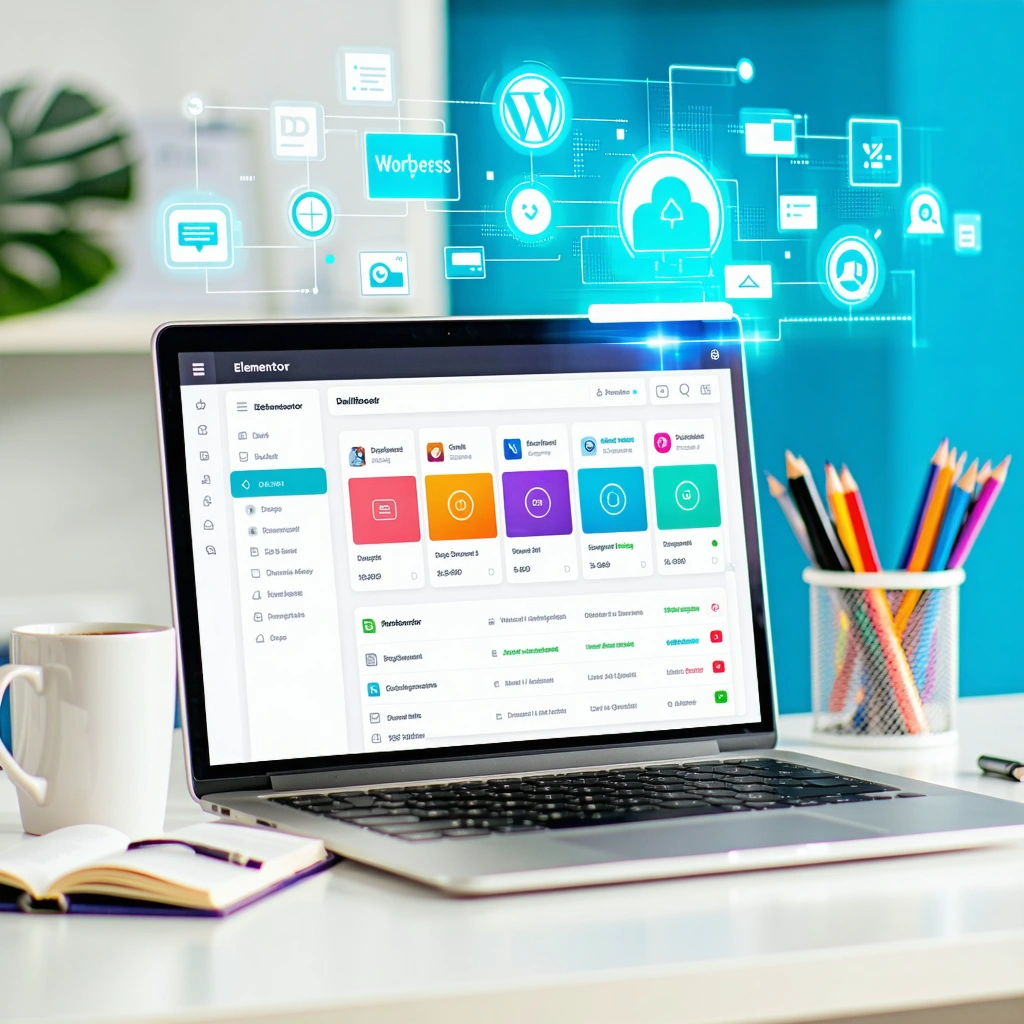
4. UpdraftPlus: Secure Your Site in 2025
Mistakes happen when editing your site. For example, you might break a page by accident. Therefore, UpdraftPlus saves your site with automatic backups. With cyber threats rising in 2025, this plugin is essential. It stores your data safely in the cloud, ready to restore in a few clicks.
- Why You Need It: Protects your site from crashes or hacks.
- How to Use It: Install UpdraftPlus. Link to Google Drive. Set daily backups.
- Pro Tip: Test backups monthly to ensure they work.
- Bonus Tip: Keep only recent backups to save cloud storage.
See tips at WordPress.org.
5. WooCommerce: Best eCommerce Plugin for Beginners 2025
Want to sell products online? WooCommerce turns your WordPress site into a store. It’s perfect for beginners in 2025, whether you sell clothes, digital items, or services. For example, it supports multiple payment gateways like PayPal and Stripe. Plus, it’s flexible for small businesses or startups.
- Why You Need It: Adds product pages and payment options.
- How to Use It: Install WooCommerce. Follow its setup wizard. Add your products.
- Pro Tip: Use its analytics to track sales trends.
- Bonus Tip: Add product images to boost conversions.
Visit our eCommerce services for setup help.
How MrWebApp Simplifies WordPress for You
WordPress can feel hard for beginners. At MrWebApp, we build fast, SEO-friendly sites for businesses. Our Lahore team works with restaurants, startups, and online stores. For instance, we use the best WordPress plugins for beginners in 2025 to drive results. Here’s how we help:
- What We Do: Install and optimize plugins like Yoast and WooCommerce.
- Our Results: Clients see 30% more traffic and 20% more sales.
- Why Choose Us: We focus on your challenges to deliver growth.
We’ve helped businesses in education, real estate, and healthcare grow online. For example, a local restaurant doubled its online orders after we built their WooCommerce store. Similarly, a startup boosted traffic with our Yoast SEO setup. Want the same results? Visit https://mrwebapp.com or WhatsApp +92 300 7118710 to get started.
Stay Ahead with 2025 WordPress Trends
The digital world changes fast. For example, 2025 brings trends like AI, voice search, and Web3. Yoast’s AI tools keep up with Google’s updates. Similarly, Elementor supports modern, Web3-ready designs. These plugins ensure your site stays competitive.
Moreover, mobile-first design is critical in 2025. Over 60% of web traffic comes from phones, so plugins like Elementor and WP Rocket are vital. Additionally, voice search queries are rising. Yoast helps you optimize for phrases like “best WordPress plugins for beginners 2025.” Finally, Web3 trends, like blockchain-based features, are emerging. Elementor’s flexibility lets you experiment with these designs.
Want to stay ahead? Check HubSpot’s blog for trends or let MrWebApp plan your strategy.
FAQs About Best WordPress Plugins for Beginners 2025
1. What’s the top SEO plugin for 2025? Yoast SEO is ideal. It offers easy tips to rank higher with AI.
2. Can I design a site without coding? Yes! Elementor’s drag-and-drop tool makes professional sites simple.
3. How do I speed up my site? WP Rocket uses caching to make your site faster.
4. Is WooCommerce good for small stores? Yes, WooCommerce handles payments and products easily.
5. How do I protect my site? UpdraftPlus backs up your site to the cloud.
Build Your WordPress Site Now
The best WordPress plugins for beginners in 2025 make your site fast and secure. Tools like Yoast, Elementor, and WooCommerce help businesses grow. At MrWebApp, we set up your site for success with expert strategies.
Ready to grow? Visit https://mrwebapp.com or WhatsApp +92 300 7118710 today. Let’s make it happen!
Add a Comment