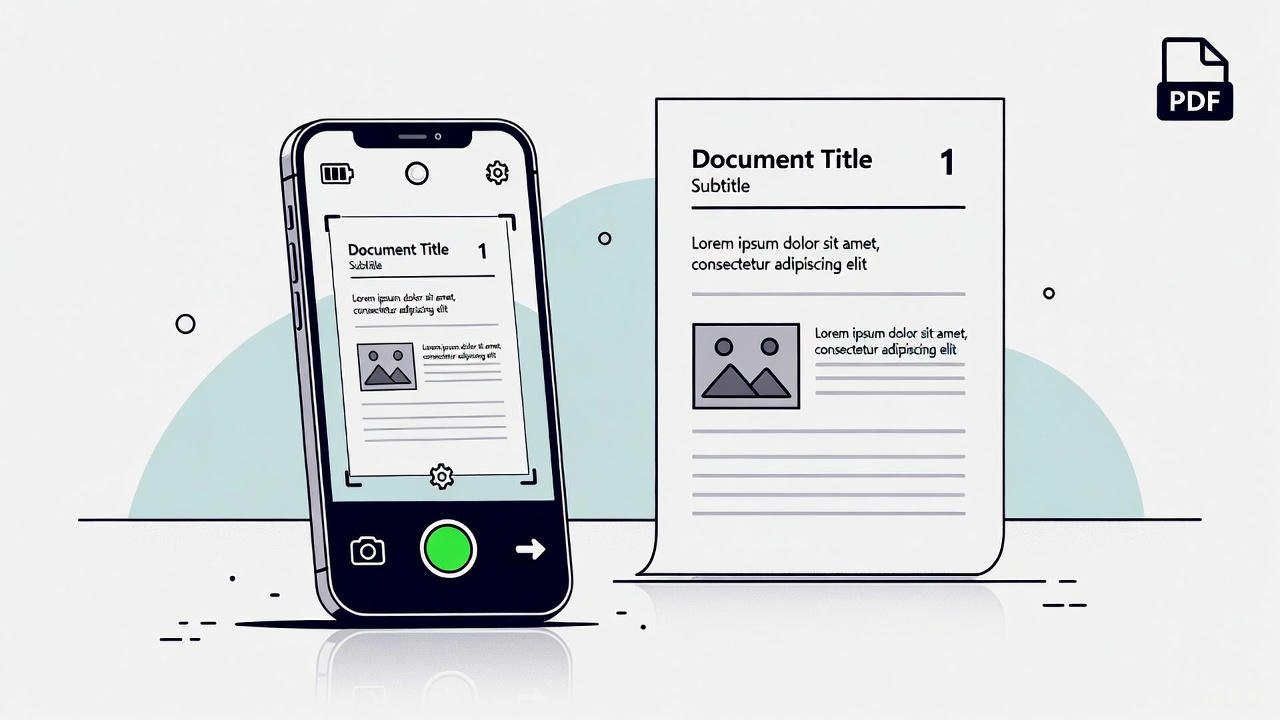
A web-based PDF scanner helps you scan files in a fast and simple way. It runs inside your browser, and this makes the full process smooth. You open one tool, and the workflow stays clear from start to end. This gives you full control during each step. You know how strong a fast tool feels, and this one keeps your work clean.
Here is the main free scanner tool:
https://mrwebapp.com/free-online-cam-scanner/
You also get options for ID, BD, and Hindi users:
https://mrwebapp.com/id-online-cam-scanner/
https://mrwebapp.com/bd-free-online-cam-scanner/
https://mrwebapp.com/hi-free-online-cam-scanner/
Look, each version offers a clean layout. The flow stays easy. Trust me, the speed will help your daily tasks in a real way.
How a Web Scanner Works
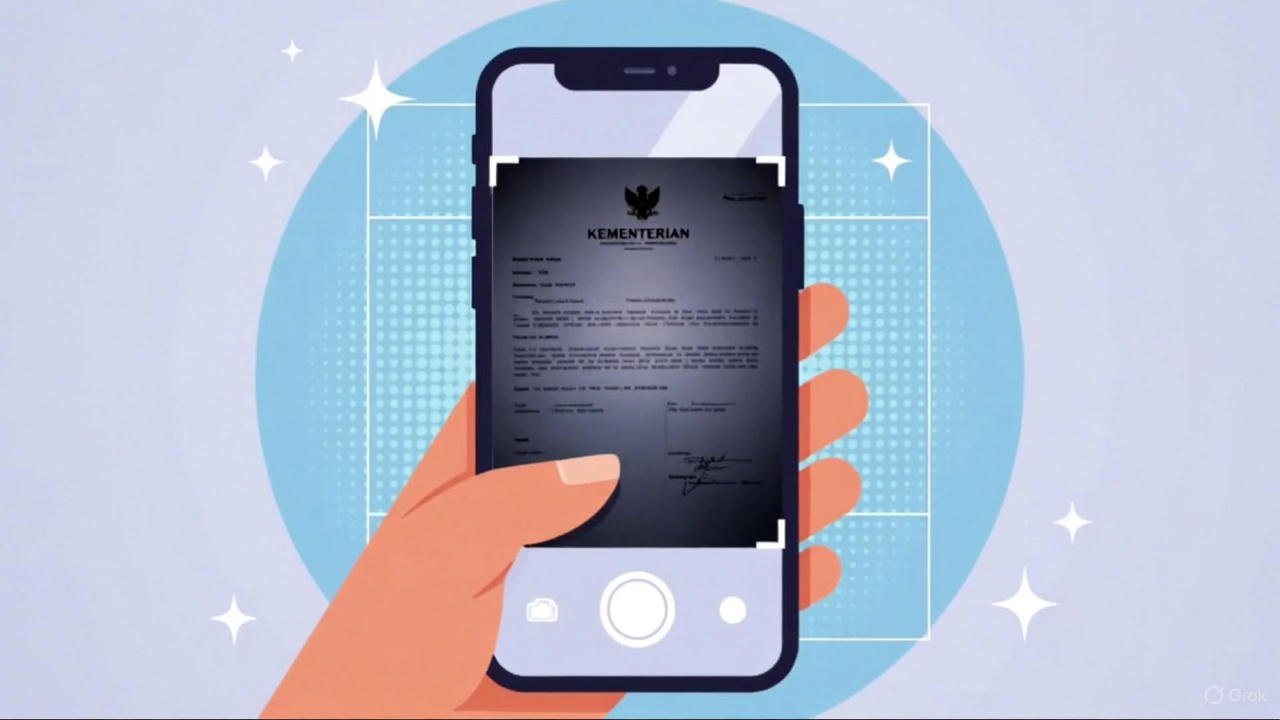
A web scanner reads the page through your camera. It creates a clear digital copy right away. Then it shows the scan, and you adjust the crop. After that, you save the file as a clean PDF.
This workflow removes stress. You know how slow tools break your pace, but this one keeps things steady.
Why a Web Scanner Helps Daily Work
You handle many pages each day. Notes, bills, forms, receipts, and letters come again and again. Also, you upload files to portals and offices. These tasks feel heavy without clean scans.
A web scanner cuts the load. Bro, this small step makes your routine better.
Core Features of a Good Online PDF Scanner
A quality scanner must offer clean scans. It must open fast. It must give sharp output. Also, it must support easy cropping and simple downloads. Mobile support is a big help too.
These features build a smooth workflow. Look, simple tools keep work stress-free.
The Best Free Web Scanner Tool
You can start scanning here:
https://mrwebapp.com/free-online-cam-scanner/
The tool feels light. The output stays sharp. Also, the layout stays clean from start to finish. Each file completes in moments. You feel the speed once you test it. Trust me, this tool gives you a real edge.
Steps to Scan a Document Online
Follow the steps below:
- Open the scanner link.
- Allow camera access.
- Place the page on a clear surface.
- Hold the device in a steady way.
- Capture the page.
- Adjust the crop.
- Save the file.
- Download the PDF.
This method keeps your scans sharp. You know that speed helps in every task.
How to Scan ID Cards with the Web Scanner
Use this link for ID scans:
https://mrwebapp.com/id-online-cam-scanner/
This version helps you scan both sides with clean edges. The files stay clear. Offices and banks accept this format without any issues.
It works well for ID and form work.
Scan Paper Sheets with a Clean Layout
Place the sheet on a bright surface first. Next, hold the phone straight. Good lighting gives strong results. Clean lines create clean scans.
Look, this step seems small, but the result becomes sharp.
Web Scanner for BD Users
Bangladesh users can use this link:
https://mrwebapp.com/bd-free-online-cam-scanner/
This version loads with stable speed. It fits local needs and supports low-end devices well. Bro, many users finish daily tasks through this page.
Web Scanner for Hindi Users
Hindi users can visit:
https://mrwebapp.com/hi-free-online-cam-scanner/
The interface stays simple. Each step appears in a clear order. As a result, the whole flow feels smooth.
How Online Scanning Improves Workflow
A clean scan removes upload errors. Also, your forms move faster. This builds a better routine. You know small improvements create a big result.
Clear files also build trust with offices. Look, good scans help your tasks finish early.
Web Scanner vs Mobile Scanner Apps
Here is a simple table:
Feature | Web Scanner | Mobile App
No install | Yes | No
Fast open | Yes | No
Works on any device | Yes | No
Low system load | Yes | No
Clean layout | Yes | No
Quick workflow | Yes | No
As you can see, the web scanner wins in most points.
What You Can Scan with a Web Tool
You can scan:
• Notes
• Bills
• Letters
• Receipts
• Tickets
• Forms
• School sheets
• ID cards
• Certificates
• Book pages
This covers most daily needs. You know these tasks come again and again, and this tool cuts the time.
Tips for Sharper Online Scans
• Use bright light
• Use a clean background
• Hold your hand still
• Keep the page flat
• Align the edges
• Move slow
These points help you get a clean scan. Trust me, they improve every file.
Keep Your PDF Files in Order
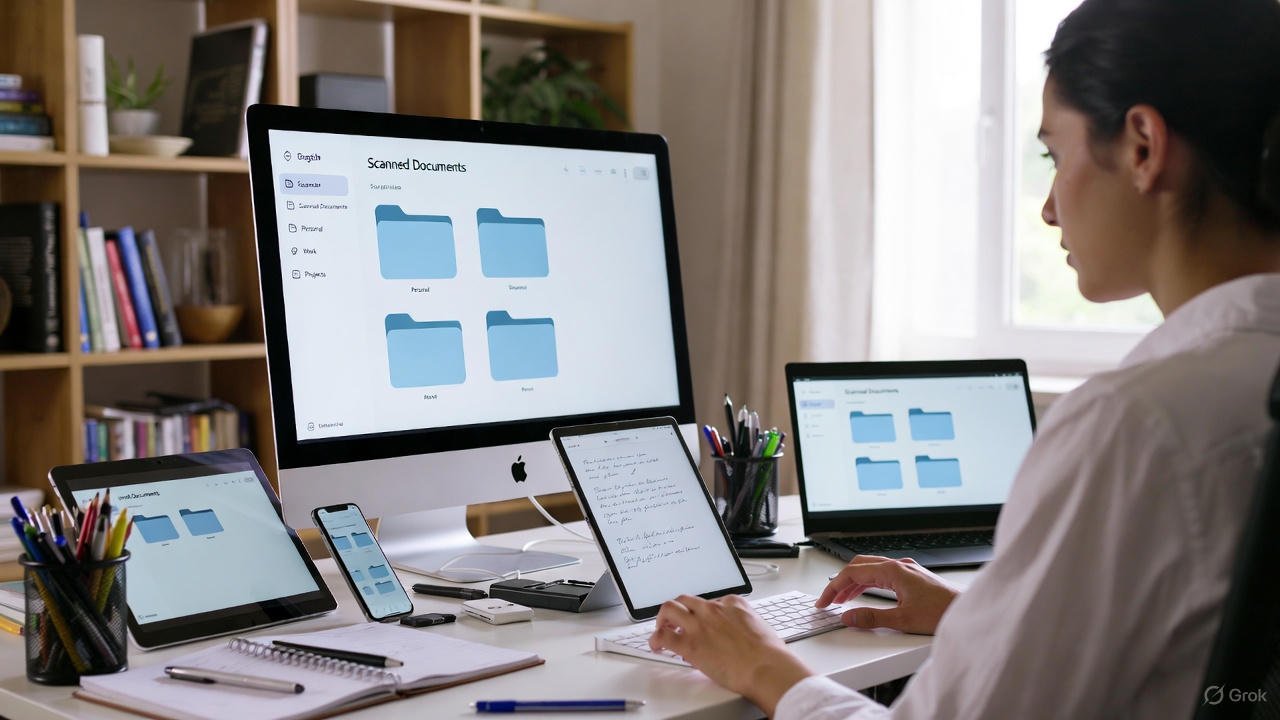
Make simple folders. Keep short file names. Store your files in cloud storage. After that, create a weekly backup.
Order saves time. You know this keeps your tasks under control.
Speed and Flow of Web Scans
A web scanner loads fast. It works on low data as well. The layout stays light. Results appear without delay.
Look, speed makes your whole day run better.
Supported Devices for Web Scanning
You can use:
• Android phones
• iPhones
• Tablets
• Laptops
• Desktops
• Chromebooks
Bro, this wide support helps you scan anywhere.
PDF Output and Quality
The tool gives a clean PDF. Text stays sharp. Lines remain clear. This format supports offices, forms, and portals.
You move through tasks in a smooth way.
Scanner Links and Uses
Link | Use Case
free-online-cam-scanner | General scans
id-online-cam-scanner | ID cards
bd-free-online-cam-scanner | BD users
hi-free-online-cam-scanner | Hindi users
Each version fits its purpose well.
Why This Scanner Helps You Stay Ahead
You work on many tasks. Simple tools reduce stress. Fast scans save time. Clean results remove errors.
You know how smooth life feels with a clear workflow. Bro, this tool removes friction. Look, small steps lift your speed.
Final Words
A web-based PDF scanner keeps your work clean. Fast scans support every task. You finish more work in less time. Trust me, this scanner helps you in all file needs.
You know order builds progress. You know speed helps results. This tool gives both.
Use the free tool here:
https://mrwebapp.com/free-online-cam-scanner/
12 FAQs
1. What is a web-based PDF scanner?
A web-based PDF scanner is an online tool that helps you turn your camera photo into a clean PDF without installing any app.
2. Do I need to install anything to use this scanner?
No, it works fully inside your browser. You only need camera access.
3. Does the tool work on mobile phones?
Yes, it works on Android, iPhone, tablets, laptops, and desktops.
4. Are the scans high quality?
Yes, the tool gives sharp and clean PDF output suitable for offices and online portals.
5. Can I scan ID cards?
Yes, you can use the ID scanner version to scan both sides of an ID card with clean edges.
6. Does this scanner support BD users?
Yes, Bangladesh users can use the BD version which loads fast on low-end devices.
7. Is there a Hindi version of the tool?
Yes, a Hindi version is available with a clear and simple layout.
8. Can I crop my scan before saving?
Yes, the tool lets you adjust the crop before saving your final PDF.
9. Does the scanner work with low internet speed?
Yes, the tool is light and works smoothly even on slow networks.
10. What can I scan using this tool?
You can scan notes, bills, receipts, letters, tickets, forms, certificates, ID cards, and book pages.
11. Is the tool free to use?
Yes, all versions of the scanner are free.
12. Can I download the scanned file directly as PDF?
Yes, once you crop the scan, you can download your PDF with one click.