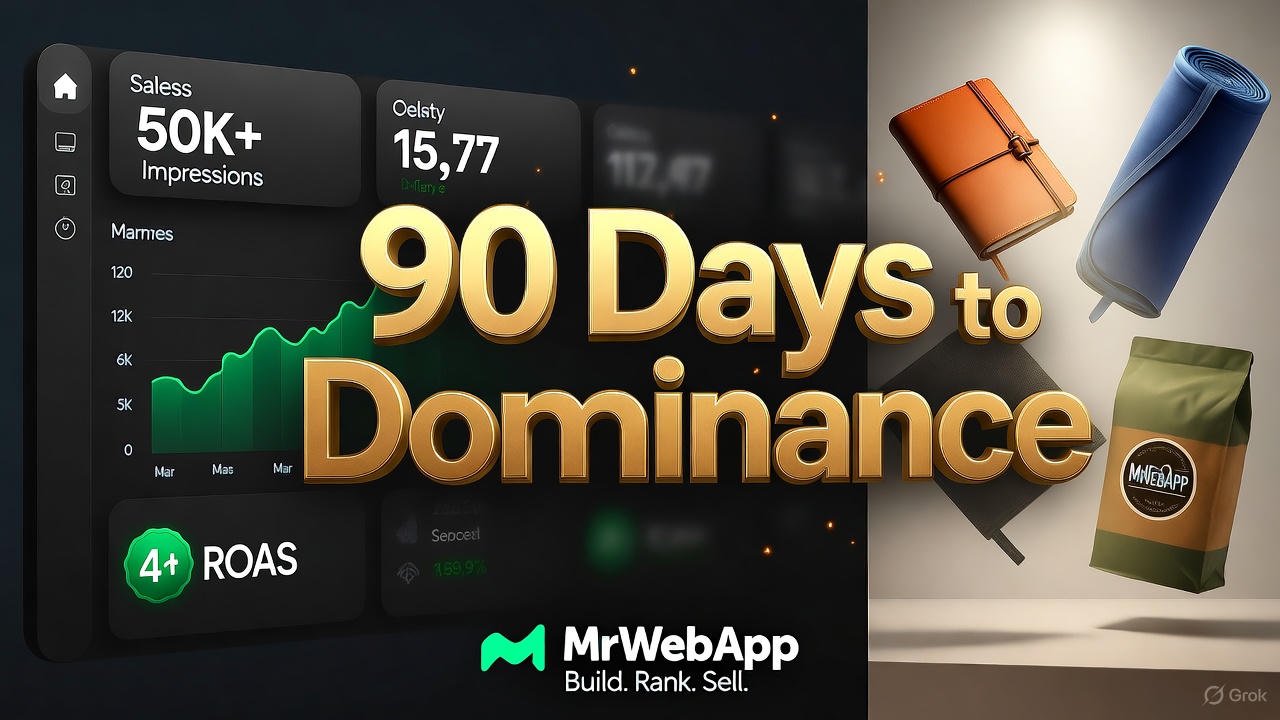
MrWebApp 90-Day Digital Dominance Blueprint: Build, Rank, Sell in 3 Months

3 Month Digital Marketing Plan

Build, Rank, Sell — Any Niche, Any Brand

Every brand wants more traffic, sales, and freedom. We make it happen in 90 days. No luck. Just systems. This is the same plan we use for every client. Read it. Use it. Or hire us. Your choice.


Who We Are

We are Mr WebApp, based in Lahore. 18 people. 400+ stores built since 2019. We know Marketing, SEO, and ads inside out. We turn small shops into big brands.


Phase 1: Launch in 9 Days (Days 1–9)

We go live fast. Most agencies take 6–8 weeks. We do it in 9 working days.

Day 1 – Send Your Stuff

Send logos, photos, and prices. We give you a shared board and a quick video.

Day 2 – Domain & Hosting

We buy your domain. We set up fast hosting. SSL included.

Days 3–4 – Pick the Design

We send 2 designs. You choose one. We fix it in 48 hours.

Days 5–7 – Build the Store

  • Hero banner with trust icons
  • Smart product grids
  • Zoom + video on product pages
  • 10% cart pop-up
  • One-click checkout (Stripe + PayPal)

All pages load in under 2 seconds.

Day 8 – Categories & Chat

We add filters. We set up a smart chatbot. It answers FAQs and collects emails.

Day 9 – Test & Launch

We check everything. We fix bugs. Your store goes live. Tracking starts instantly.

Result: A pro store in 9 days.


Phase 2: Traffic & Sales (Days 10–99)

A store without visitors is useless. Our $576/month plan brings real buyers.

SEO & Content

  • Week 1: Find 30 top keywords
  • Weeks 2–12: 4 long blogs + 8 short ones
  • Daily: 1 Reel, 1 TikTok, 1 Pinterest pin, 1 Facebook, 1 Instagram
  • Backlinks: 20+ from real sites

By Day 90: 25,000 free visits from Google.

Paid Ads

  • Google Shopping (4× return)
  • Facebook lookalike ads
  • TikTok viral-style videos

By Day 90: 40,000 views, 800 clicks, $12K–$18K in sales.

Community

  • VIP WhatsApp list
  • Weekly emails
  • Repost customer photos

Clear Pricing

One-Time Store Cost

  • Custom Store: $490
  • Domain (1 year): $12
  • Hosting (1 year): $42
  • Total: $544
  • Discount: -$45
  • You Pay: $499

Yearly Renewal

  • Domain + Hosting: $42/year

3-Month Marketing

  • SEO + Content: $180/month
  • Ads (management + budget): $288/month
  • Total per month: $568
  • 3 months: $1,404

Easy Payment

  1. 50% now
  2. 30% on design
  3. 20% on launch

Pay all upfront? Get 2 extra months free ($1,152 value).


Free Tools (Yours Forever)


Real Results

  1. Afnoor Perfumes – $31,400 in month 3
  2. Markhor Blades – 14,000 followers in 90 days
  3. Rahwaniofficial.com – 1,110 orders in first quarter

All started from zero.


Why Choose Us?

  • Live in 9 days (not 8 weeks)
  • 50,000+ impressions guaranteed
  • 4× ad return or we refund
  • 90 posts + 12 blogs in 3 months
  • Unlimited changes
  • 8 free tools

After 90 Days

You get:

  • Full training video
  • Live dashboard (sales, traffic, profit)
  • 90-day content plan
  • Option to continue at $499/month

Most clients stay. The money keeps coming.


Take Action Now

  1. WhatsApp: +92 300 7118710 – Say “90-DAY PLAN”
  2. Email: info@mrwebapp.com – Attach your catalog
  3. Reply “BLUEPRINT” – Get a free audit

We take only 5 brands per month. November slots are filling fast.

Don’t wait. Your growth starts today.
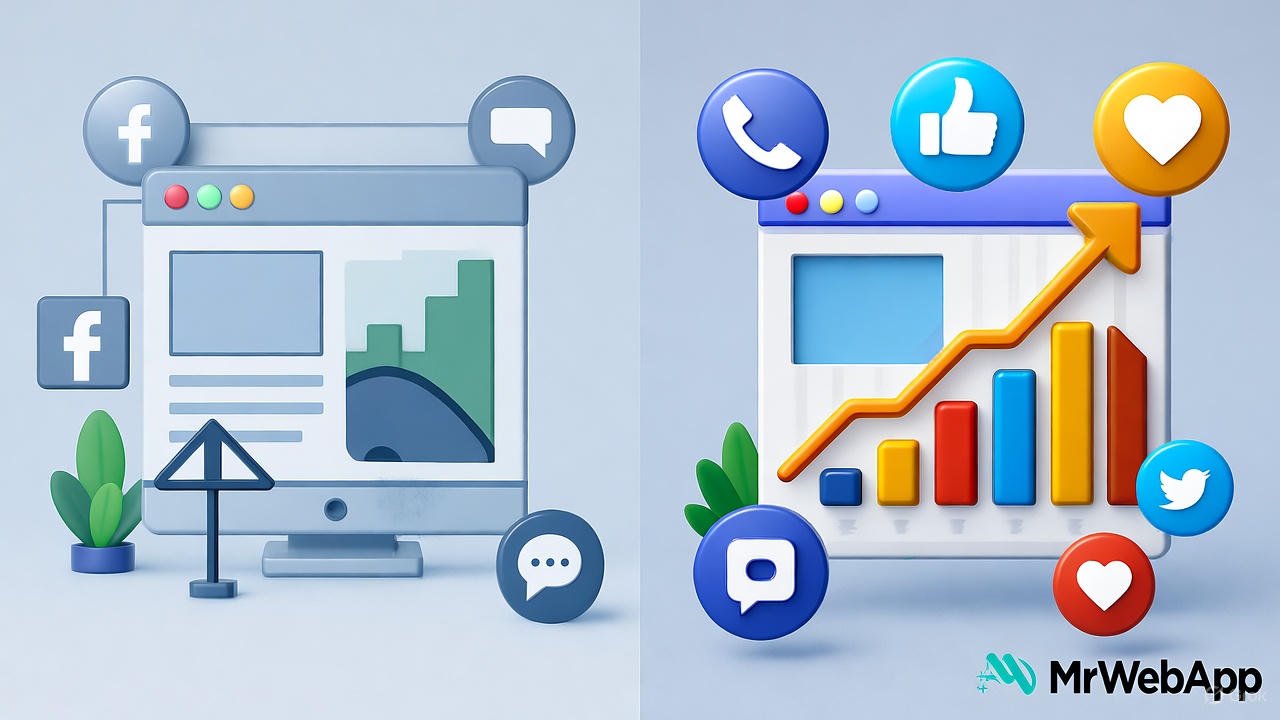
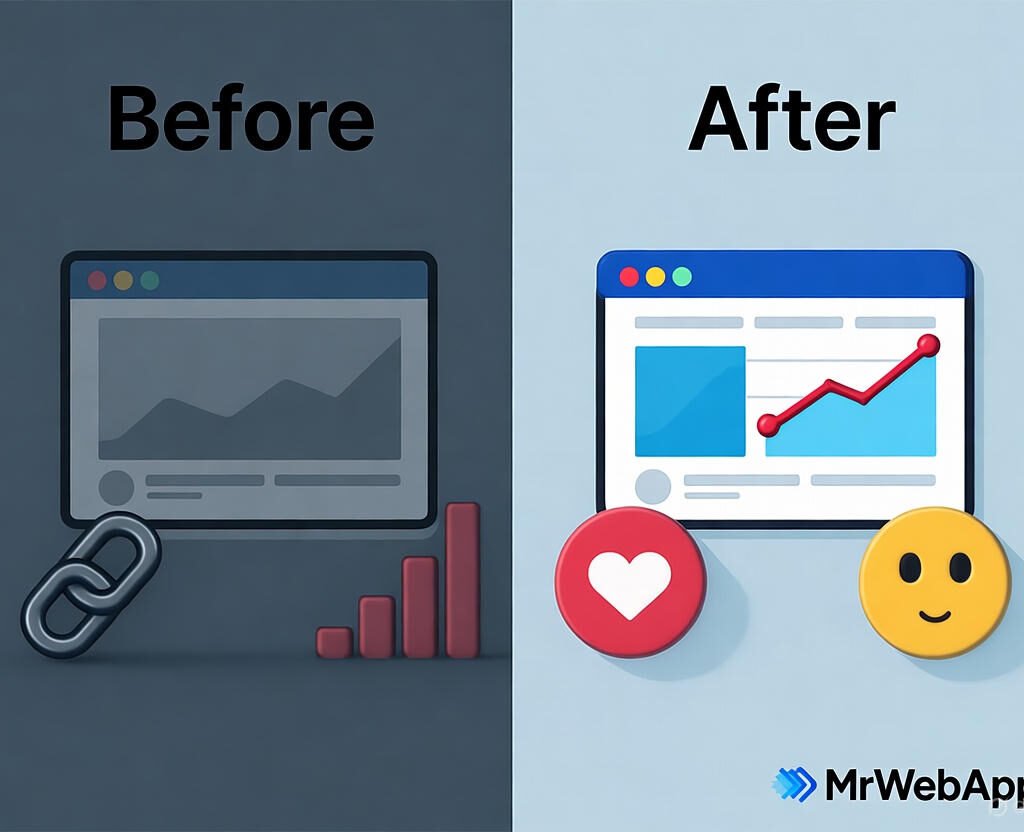
Poor Online Visibility before and after improvement

Poor Online Visibility? 5 Quick Fixes That Actually Work in 2025

Feeling invisible online? Many small businesses struggle to stand out in today’s crowded digital space. By October 2025, competition has intensified, and outdated strategies no longer cut it. At Mr WebApp, we’ve seen this firsthand and crafted solutions that deliver. This article gives you five easy fixes for Poor Online Visibility 5 Quick Fixes 2025 quickly. Let’s get started.

Based in Lahore, Mr WebApp, helps businesses thrive online. Our team focuses on practical strategies and insights. So, whether you run a shop or offer services, these tips fit your needs.

Optimize Your Website for Poor Online Visibility

Speed matters. A slow site pushes visitors away. First, check loading times with tools like Google PageSpeed. Then compress images and use a content delivery network.

Mobile use dominates in 2025. Ensure your site looks great on phones. This tweak boosts rankings and keeps users engaged. Visit mrwebapp.com/services for more web tips.

Do Local SEO to Fix Poor Online Visibility

Local searches give traffic. Claim your Google Business Profile today. Add your address, hours, and photos. Next, encourage customers to leave reviews.

Consistency helps. List your business on local directories. This step puts you on the map. Check Wikipedia for SEO basics.

Boost Content with Poor Online Visibility

Fresh content attracts visitors. Post blogs or videos weekly. Focus on topics your audience cares about. Then share them on social media.

Keywords matter too. Use tools like Ahrefs to find terms. This draws search engines to your site. Explore mrwebapp.com/blog for ideas.

Use Social Media Smartly for Poor Online Visibility

Social platforms amplify reach. Pick two channels, like Instagram or LinkedIn. Post regularly with engaging visuals. Then respond to comments fast.

Ads work well in 2025. Try a small budget on Facebook Ads. This targets your audience effectively. See HubSpot for social tips.

Backlinks build authority. Reach out to local blogs for guest posts. Offer value, not just links. Then track results with Google Search Console.

Image Placeholder

Poor Online Visibility before and after transformation
  • Alt Text: Poor Online Visibility 5 Quick Fixes 2025 graphic
  • Caption: Boost visibility with 5 quick fixes in 2025
  • Description: This image shows a graphic for Poor Online Visibility 5 Quick Fixes 2025. Highlighting strategies to improve online presence.

Measure and Adjust Your Poor Online Visibility

Track progress. Use Google Analytics to see traffic. Check which fixes work best. Then adjust your efforts accordingly.

Stay current. Trends shift fast in 2025. So, test new tools monthly. This keeps you ahead. See Shopify for analytics advice.

Real Success Stories with Poor Online Visibility

A cafe doubled visits. They optimized their site and claimed their profile. Customers found them easily. Growth followed.

A freelancer gained clients. Fresh blogs and backlinks did the trick. This shows these fixes work. Real results inspire.

FAQs

Why is my online visibility so low? It might be a slow site or weak SEO. Try our fixes to see changes.

How fast do these fixes work? Some show results in weeks. Others, like backlinks, take a month.

Do I need tech skills for this? No, our steps are simple. We guide you free.

Can small businesses use these? Yes, they’re designed for small teams like yours.

What if I need more help? Contact us. We offer free support anytime.

Take Action Today with MrWebApp

Ready to shine online? Visit mrwebapp.com now. Let’s boost your visibility together. Start with one fix today!

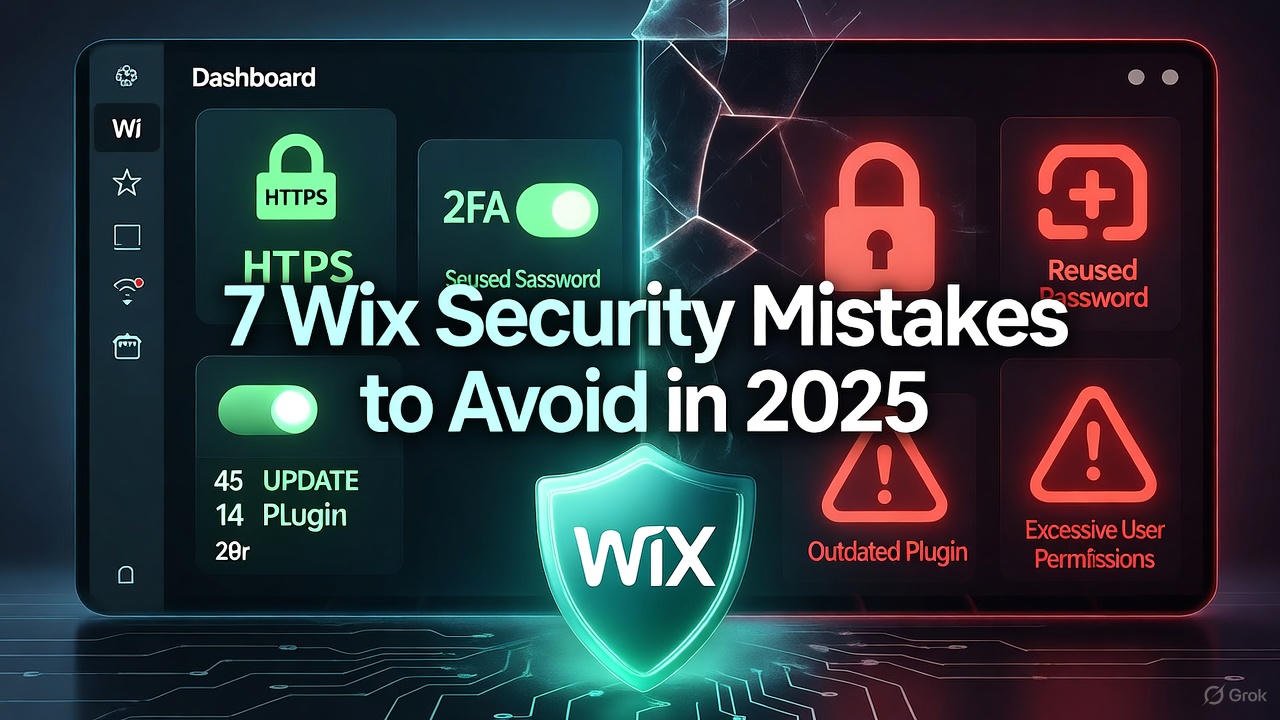
Wix website owners can avoid major security mistakes in 2025 by using SSL, strong passwords, and regular backups

7 Wix Security mistakes to avoid in 2025

Running a Wix website in 2025 is easier than ever, but that convenience also brings new security risks. Many site owners assume Wix handles everything, yet even the best platforms need smart management. Below are the most common Wix website security mistakes you should avoid this year — and how to fix them quickly.


1. Ignoring HTTPS Setup

Many Wix users skip enabling HTTPS, assuming Wix does it automatically. While Wix provides free SSL, you must make sure it’s activated. Without HTTPS, your website shows “Not Secure,” which scares away visitors and lowers SEO rankings.
Always check your Wix Dashboard → Settings → Site SSL Certificate and confirm it’s on.


2. Weak or Reused Passwords

A shocking number of security breaches come from simple passwords like 123456 or reusing the same password across accounts. In 2025, AI-based attacks can guess weak passwords in seconds.
Use a password manager and enable two-factor authentication (2FA) to protect your Wix account and connected emails.


3. Not Updating Apps and Plugins

Every app on your Wix site — even from the official App Market — can become a target if not updated. Developers often release security patches that you might miss.
Check your dashboard weekly for pending app updates, and remove plugins you no longer use.


4. Giving Too Many Permissions to Team Members

Many business owners add editors or freelancers without limiting permissions. If someone leaves your team, they might still have access to your site.
In 2025, always assign roles carefully: Owner, Admin, Editor, or Contributor. Update roles regularly and remove old accounts.


5. Not Backing Up the Website Regularly

Wix allows you to restore previous versions of your site, but few users take advantage of it. Cyberattacks, design errors, or accidental deletions can cause massive losses.
Set a reminder to create manual backups every month and download essential data offline for safety.


6. Ignoring User Data Protection Rules

With stricter privacy laws in 2025, ignoring GDPR and similar data policies can cause fines and loss of trust.
Add a Privacy Policy page and clear cookie consent banners. Always encrypt customer data collected through forms or payment pages.


7. Thinking “Wix Handles It All”

While Wix has strong default security, it’s not a full replacement for responsible site management. Hackers often target user habits, not platforms.
Take small steps: use strong passwords, check updates, manage access, and monitor your site’s analytics for unusual activity.


Wix website owner reviewing security settings to avoid common mistakes in 2025
Wix websites stay secure in 2025 with smart habits like SSL, updates, and backups

🔗 Internal Links


🌍 External Links


❓ FAQs

1. Is Wix secure for small businesses in 2025?
Yes, Wix is secure by default, but users must manage passwords, updates, and permissions actively.

2. How do I enable SSL on my Wix site?
Go to Settings → Site SSL Certificate, and toggle it on. Wix provides it for free.

3. Does Wix automatically back up my website?
Wix saves versions, but it’s best to make manual backups regularly.

4. Can hackers access my Wix account easily?
Only if you use weak passwords or share access carelessly. Enable 2FA for extra safety.

5. What are the best security plugins for Wix?
Wix has built-in features, but use apps like Site Booster and Visitor Analytics for monitoring.


💬 Conclusion

In 2025, keeping your Wix website secure is more about smart habits than complex tools. Focus on HTTPS, updates, and user access to build trust and protect your data.
For more website safety and optimization guides, visit mrwebapp.com — your trusted source for smarter web solutions.