

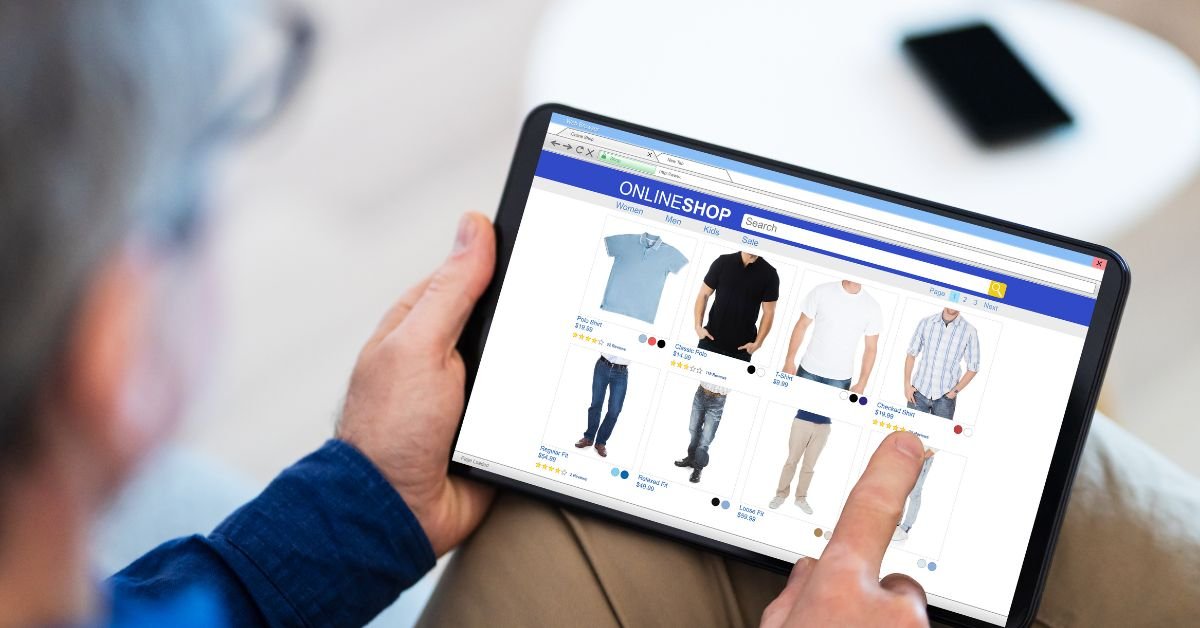
Make your Wix store faster, cleaner, and more mobile-friendly this year
Many online stores lose sales. Mobile visitors leave too fast. They tap on a product, wait too long, or can’t find the “Buy Now” button. The truth is, mobile users have no patience.
If your Wix eCommerce website looks good on desktop but feels slow or confusing on a phone — you’re losing money.
MrWebApp fixes mobile UX issues. Your store loads fast, looks clean, and helps more people buy
Let’s explore why mobile users hate some Wix stores — and how you can fix every problem in 2025.
🚫 Common Reasons Mobile Users Leave Your Wix Store
1. The Website Loads Too Slowly
When your page takes longer than three seconds to load, users start leaving. Many Wix websites have large images, unused scripts, or animations that slow them down.
Fix it:
- Use compressed images (under 200 KB).
- Avoid too many GIFs and videos on the homepage.
- Use Wix’s built-in speed optimization tools.
- Test with Google PageSpeed Insights — aim for 90+.
We use smart tools for speed. Your Wix store can open in less than two seconds.
2. The Design Isn’t Mobile-Friendly
Many stores still use desktop-style designs on mobile. That means users must zoom in or scroll endlessly. Buttons are small, menus overlap, and checkout forms look messy.
Fix it:
- Use Wix’s mobile editor to adjust every section separately.
- Keep buttons large and centered.
- Reduce menu levels.
- Keep one clear call-to-action (like “Add to Cart”).
We design every Wix store mobile-first, not desktop-first. That’s how we make sure it’s easy to use on every screen.
3. The Product Pages Are Confusing
If your product pages are full of text, unclear prices, or too many options, mobile users get lost fast. They scroll once, can’t find what matters, and exit.
Fix it:
- Show only the most important info above the fold: image, price, and “Add to Cart.”
- Move long descriptions under a “More Info” tab.
- Use clean product photos with plain backgrounds.
- Add trust signs like “Free Delivery” or “Money-Back Guarantee.”
We create simple layouts where the user sees exactly what they need to buy — nothing extra.
4. Checkout Takes Too Long
A long checkout form kills sales. Mobile users don’t like typing a lot.
Fix it:
- Use one-page checkout.
- Enable guest checkout (no forced account).
- Add payment icons early (Visa, PayPal, Stripe).
- Use autofill for address and name fields.
At MrWebApp, we set up checkout pages that finish in less than 30 seconds.
5. Pop-ups and Banners Block the View
Pop-ups may look fine on desktop, but they ruin the mobile experience. Users try to close them but can’t find the “X” — and they quit your site.
Fix it:
- Use fewer pop-ups on mobile.
- Delay them until the visitor scrolls 50%.
- Keep them small and easy to close.
We create smart pop-ups that show only when needed — not the moment your visitor lands.
6. Poor Navigation & Menu Design
Your mobile menu should help users find products fast. If it’s long, cluttered, or hidden behind confusing icons, people leave.
Fix it:
- Keep 5 or fewer top menu items.
- Use icons (🛒, 🔍, ☰) but make them clear.
- Add a sticky “Shop” or “Cart” button for faster access.
Good UX is about simplicity. The fewer steps users take, the more they buy.
How MrWebApp Fixes Mobile UX Problems
When a client comes to us, we don’t just change colors or fonts. We rebuild the experience around speed, clarity, and conversion.
Here’s our process:
Step 1: Mobile UX Audit
We test your current Wix store on different devices — Android, iPhone, tablets. We look for:
- Slow pages
- Poor spacing
- Hidden buttons
- Cluttered layouts
Then we share a report with screenshots and suggestions.
Step 2: Design Cleanup
Our design team removes the extra noise. We fix colors, spacing, and structure so the design looks clean and easy. We keep the focus on your main products and call-to-action.
Step 3: Speed Optimization
We compress images, remove unused scripts, and enable caching. We also optimize font loading and animations. The goal is simple — open every page in under two seconds.
Step 4: Better Product Layouts
We redesign your product pages for mobile. Each page gets:
- A large image
- A short product title
- A clear price
- A single “Buy” or “Add to Cart” button
We also improve filters and sorting tools for faster browsing.
Step 5: Checkout Fix
We simplify the checkout to make it fast. Auto-fill, guest checkout, and fewer form fields mean less friction. Your customers complete purchases faster and with fewer errors.
Step 6: Testing, Reporting & Security
We test the new mobile design with tools and real users. We check loading times, button clicks, and form submissions. You receive a before-and-after report showing performance gains.
🕒 Time & Process Overview
Here’s how long a full Mobile UX Fix for Wix eCommerce project takes:
Audit: Check your store and make a report — 1–2 days
Redesign: Fix layout, colors, and spacing — 2–3 days
Optimize: Boost speed and loading time — 1–2 days
Testing: Try it on all devices — 1–2 days
Final Review: Deliver and launch — 1 day
⏱️ Total time: 7–10 working days
👥 Our Team
Each project is handled by a small, expert team:
- UX Designer: Simplifies layout for mobile.
- Developer: Fixes performance and integrations.
- SEO Specialist: Keeps mobile speed SEO-friendly.
- Tester: Ensures everything works before launch.
We focus on clean work, fast delivery, and long-term support.
Pricing
| Package | Best For | Price | Timeline |
|---|---|---|---|
| Basic Fix | Small stores, few pages | $300–$500 | 5–7 days |
| Advanced Fix | Mid-size stores with checkout optimization | $700–$900 | 7–10 days |
| Full UX Overhaul | Complete redesign and speed upgrade | $1,000–$1,500+ | 10–14 days |
Our Mobile UX Fix packages are simple and flexible.
Pages open in under 2 seconds
People stay longer on your site
More sales and conversions
Higher SEO ranking
Happier customers
You can also add:
- SEO optimization
- Mobile speed tracking
- Monthly maintenance
🧾 Requirements to Start
Before we begin, we’ll need:
- Access to your Wix dashboard
- Product or service details
- Logo and brand colors
- Payment method preferences
- Any design references (optional)
If you don’t have all this yet, don’t worry — we help set it up for you.
📈 Expected Results
After your Mobile UX Fix, you’ll notice:
Faster loading time (under 2 seconds)
Lower bounce rate
Higher sales and conversions
Better mobile SEO ranking
Improved customer satisfaction
Your website won’t just look good — it will feel easy to use and trustworthy.
Why Choose MrWebApp
We’ve helped hundreds of Wix users improve their eCommerce websites. Our goal is not just to fix problems — it’s to help you sell more.
We care about real results:
- More traffic
- More orders
- Fewer cart abandons
With our experience in Wix, SEO, and UI design, we make your store ready for 2025 standards.
Ready to Fix Your Wix Store for Mobile Users?
Don’t let mobile visitors leave your site again. Your products deserve to be seen — and bought.
👉 Contact us on WhatsApp to get your Wix Mobile UX Audit today. We’ll review your store, share fixes, and make your site mobile-perfect within days. https://wa.me/+923100078066/
Add a Comment