MrWebApp 90-Day Digital Dominance Blueprint: Build, Rank, Sell in 3 Months

3 Month Digital Marketing Plan

Build, Rank, Sell — Any Niche, Any Brand

Every brand wants more traffic, sales, and freedom. We make it happen in 90 days. No luck. Just systems. This is the same plan we use for every client. Read it. Use it. Or hire us. Your choice.


Who We Are

We are Mr WebApp, based in Lahore. 18 people. 400+ stores built since 2019. We know Marketing, SEO, and ads inside out. We turn small shops into big brands.


Phase 1: Launch in 9 Days (Days 1–9)

We go live fast. Most agencies take 6–8 weeks. We do it in 9 working days.

Day 1 – Send Your Stuff

Send logos, photos, and prices. We give you a shared board and a quick video.

Day 2 – Domain & Hosting

We buy your domain. We set up fast hosting. SSL included.

Days 3–4 – Pick the Design

We send 2 designs. You choose one. We fix it in 48 hours.

Days 5–7 – Build the Store

  • Hero banner with trust icons
  • Smart product grids
  • Zoom + video on product pages
  • 10% cart pop-up
  • One-click checkout (Stripe + PayPal)

All pages load in under 2 seconds.

Day 8 – Categories & Chat

We add filters. We set up a smart chatbot. It answers FAQs and collects emails.

Day 9 – Test & Launch

We check everything. We fix bugs. Your store goes live. Tracking starts instantly.

Result: A pro store in 9 days.


Phase 2: Traffic & Sales (Days 10–99)

A store without visitors is useless. Our $576/month plan brings real buyers.

SEO & Content

  • Week 1: Find 30 top keywords
  • Weeks 2–12: 4 long blogs + 8 short ones
  • Daily: 1 Reel, 1 TikTok, 1 Pinterest pin, 1 Facebook, 1 Instagram
  • Backlinks: 20+ from real sites

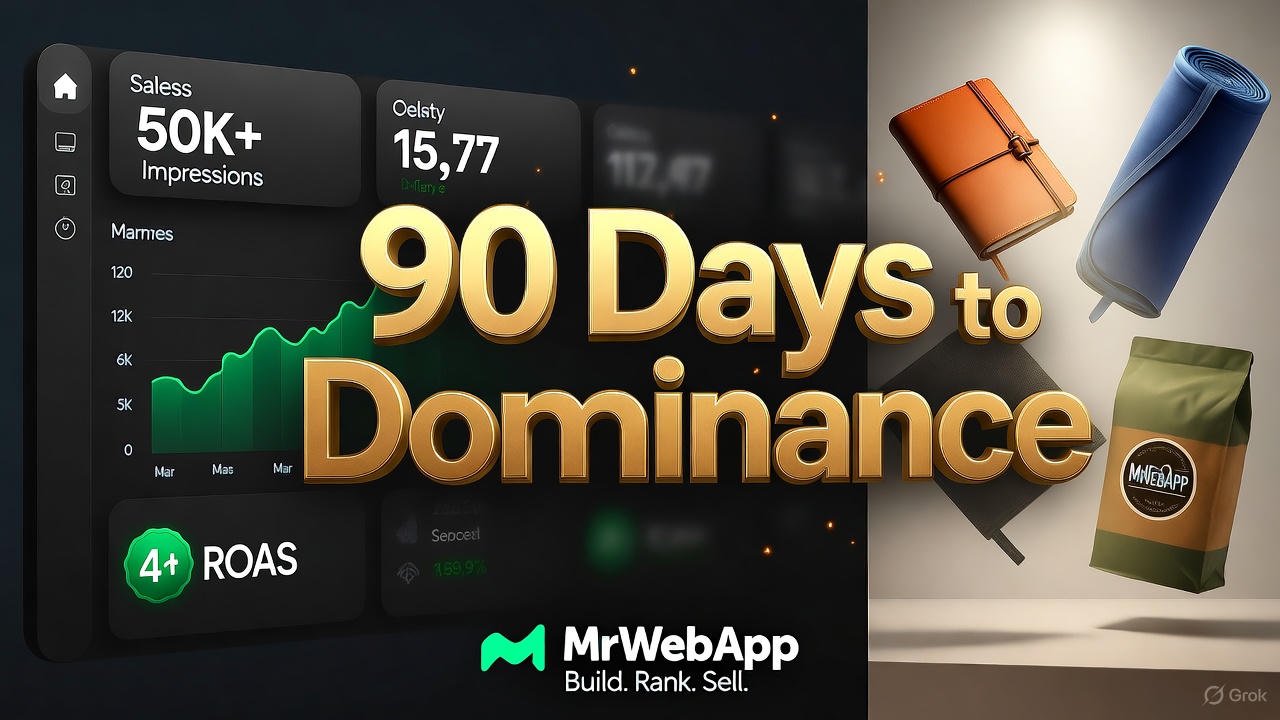
By Day 90: 25,000 free visits from Google.

Paid Ads

  • Google Shopping (4× return)
  • Facebook lookalike ads
  • TikTok viral-style videos

By Day 90: 40,000 views, 800 clicks, $12K–$18K in sales.

Community

  • VIP WhatsApp list
  • Weekly emails
  • Repost customer photos

Clear Pricing

One-Time Store Cost

  • Custom Store: $490
  • Domain (1 year): $12
  • Hosting (1 year): $42
  • Total: $544
  • Discount: -$45
  • You Pay: $499

Yearly Renewal

  • Domain + Hosting: $42/year

3-Month Marketing

  • SEO + Content: $180/month
  • Ads (management + budget): $288/month
  • Total per month: $568
  • 3 months: $1,404

Easy Payment

  1. 50% now
  2. 30% on design
  3. 20% on launch

Pay all upfront? Get 2 extra months free ($1,152 value).


Free Tools (Yours Forever)


Real Results

  1. Afnoor Perfumes – $31,400 in month 3
  2. Markhor Blades – 14,000 followers in 90 days
  3. Rahwaniofficial.com – 1,110 orders in first quarter

All started from zero.


Why Choose Us?

  • Live in 9 days (not 8 weeks)
  • 50,000+ impressions guaranteed
  • 4× ad return or we refund
  • 90 posts + 12 blogs in 3 months
  • Unlimited changes
  • 8 free tools

After 90 Days

You get:

  • Full training video
  • Live dashboard (sales, traffic, profit)
  • 90-day content plan
  • Option to continue at $499/month

Most clients stay. The money keeps coming.


Take Action Now

  1. WhatsApp: +92 300 7118710 – Say “90-DAY PLAN”
  2. Email: info@mrwebapp.com – Attach your catalog
  3. Reply “BLUEPRINT” – Get a free audit

We take only 5 brands per month. November slots are filling fast.

Don’t wait. Your growth starts today.

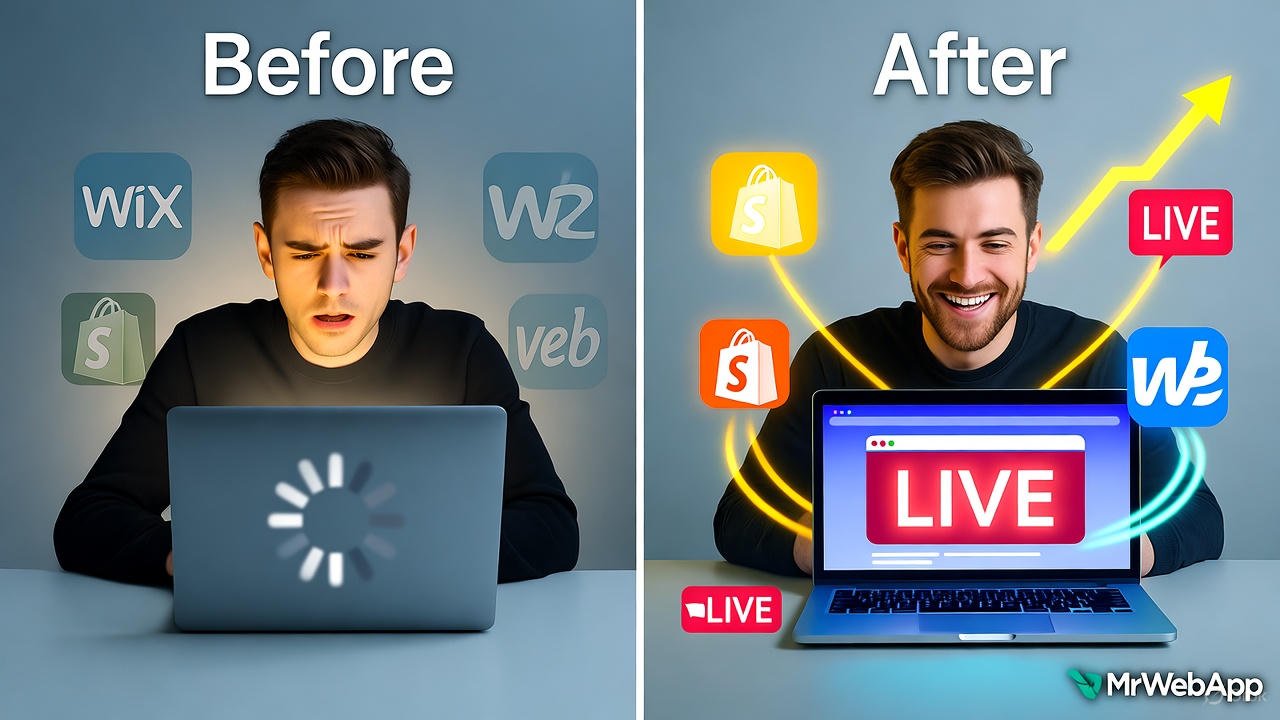
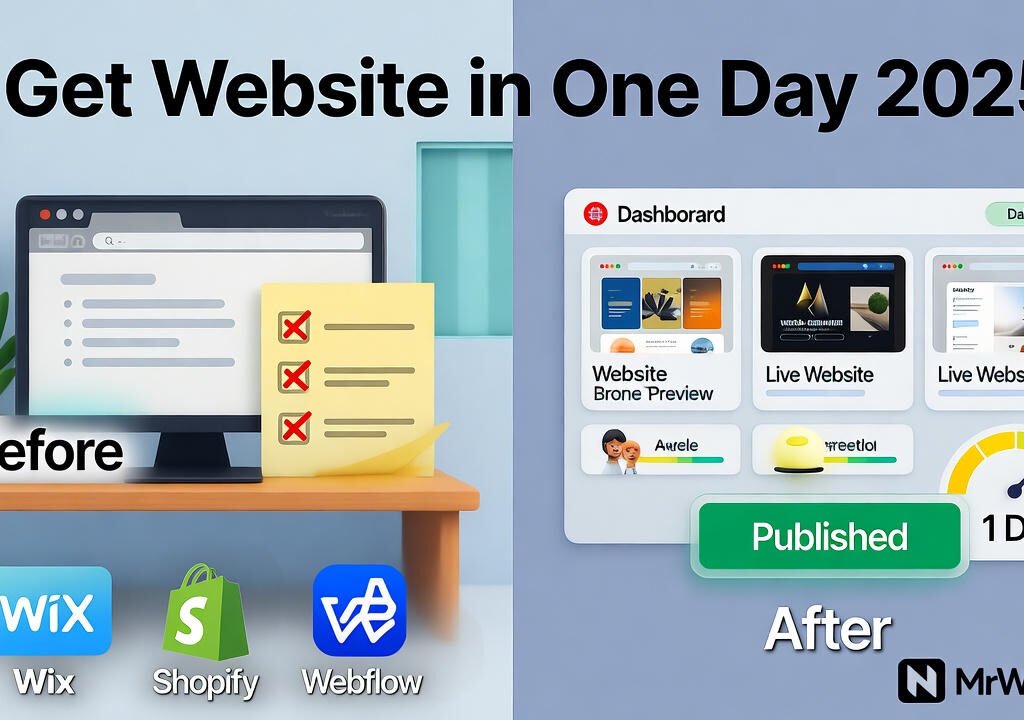
Get Website in One Day 2025 with Wix Shopify Webflow

The 2025 Guide to Get Website in One Day With Wix, Shopify, or Webflow

Tired of spending weeks on a website that never launches? Small businesses often delay going online due to complex setups and high costs. In 2025, that’s no longer an excuse. At Mr WebApp, we help founders like you launch fast without the hassle. This guide shows how to Get Website in One Day 2025 using Wix for simple sites, Shopify for eCommerce, or Webflow for custom designs. No coding needed. Let’s make it happen.

Mr WebApp, based in Lahore. Specializes in quick digital solutions. We know time is money for startups and shop owners. So, pick your platform and follow these steps.

Why Get Website in One Day 2025 Matters Now

Speed wins in 2025. Google’s updates favor fast-loading sites. Mobile traffic hits 70% of searches. Delays cost sales. Our guide cuts setup to hours.

Choose based on needs. Wix suits portfolios. Shopify powers stores. Webflow handles advanced looks. All work on day one.

Step-by-Step: Get Website in One Day 2025 with Wix

Wix shines for beginners. Its drag-and-drop editor launches sites fast. Start with a template in minutes.

Sign up free. Pick a category like “business.” Choose a design. Add your logo and text. Connect a domain. Publish live.

Wix’s AI builder speeds it up. It suggests layouts in 2025 updates. Test on mobile. Go online by noon.

For tips, see Wix. Great for quick starts.

Step-by-Step: Get Website in One Day 2025 with Shopify

Shopify focuses on sales. Ideal if you sell products. Its themes load in under an hour.

Create an account. Select a free theme. Add inventory via CSV import. Set up payments. Launch your store.

2025’s AI setup generates product pages automatically. Customize colors. Add a blog. You’re ready to sell.

Shopify integrates with apps for shipping. Check Shopify for eCommerce guides.

Step-by-Step: Get Website in One Day 2025 with Webflow

Webflow offers control without code. Perfect for unique brands. Build visually on day one.

Start a project. Choose a blank canvas or template. Drag elements like headers. Style with CSS-like tools. Export or host.

New in 2025: AI-assisted layouts suggest responsive designs. Add interactions. Connect CMS. Publish instantly.

Webflow excels in animations. Visit Webflow for tutorials.

Compare Platforms to Get Website in One Day 2025

Wix: Easiest for non-tech users. 800+ templates. Free plan available.

Shopify: Best for sales. 150+ themes. Starts at $29/month.

Webflow: Most flexible. Custom code access. Free starter plan.

All support one-day launches. Pick by goal: simple (Wix), sales (Shopify), design (Webflow).

Common Mistakes When You Get Website in One Day 2025

Skip mobile checks. Fix it with previews.

Ignore SEO basics. Add titles and descriptions early.

Over-customize. Stick to templates first.

Avoid these. Launch strong. See mrwebapp.com/services for help.

Tools to Speed Up Get Website in One Day 2025

Use Canva for logos. Unsplash for images. Google Fonts for text.

Wix has built-in AI. Shopify offers theme editors. Webflow’s visual tools shine.

Combine them. Finish faster. Explore mrwebapp.com for extras.

Image Placeholder

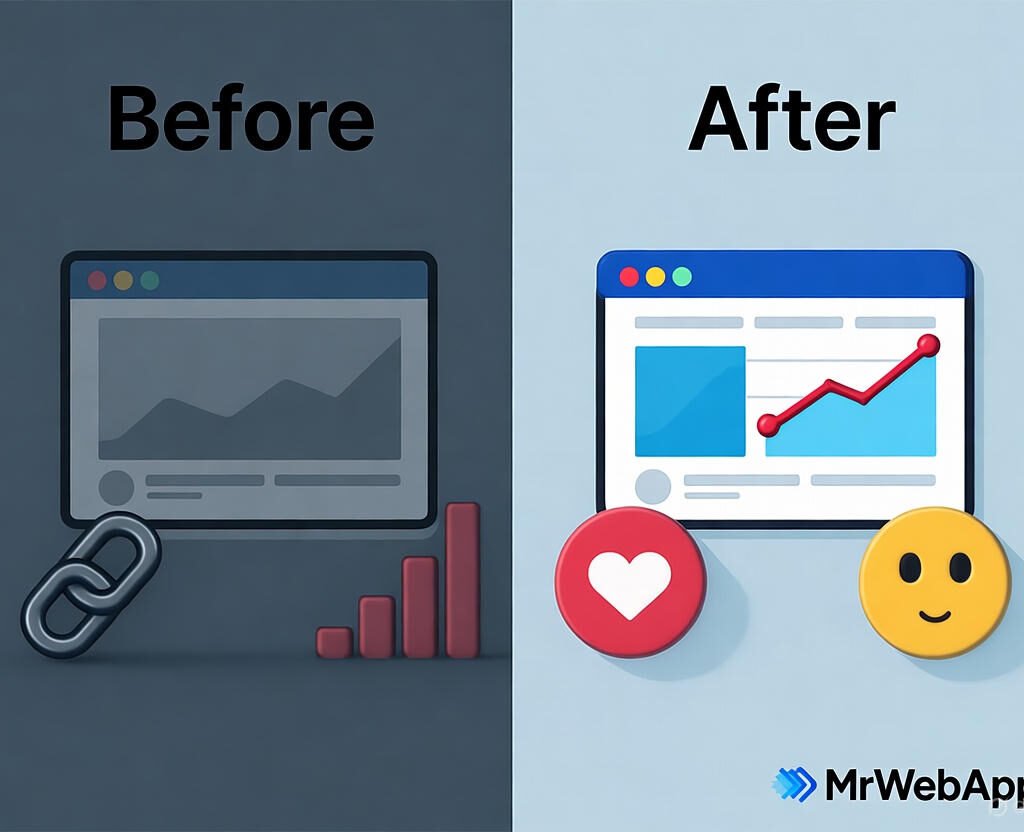
Get Website in One Day 2025 before and after transformation
Launch your site in one day with Wix, Shopify, or Webflow.

Tips for Launch After Get Website in One Day 2025

Drive traffic. Share on social media. Run Google Ads.

Track analytics. Use built-in tools. Tweak based on data.

Update content. Add blogs weekly. This keeps visitors coming.

Success follows action. Visit mrwebapp.com/blog for more.

FAQs

How long to really Get Website in One Day 2025? Hours if you follow steps. Beginners take 4-6 hours.

Which platform for beginners to Get Website in One Day 2025? Wix. Its editor is intuitive and forgiving.

Can I sell products to Get Website in One Day 2025? Yes, Shopify excels here. Setup store basics fast.

Is Get Website in One Day 2025 free? Free trials on all. Upgrade later as needed.

What if I need help to Get Website in One Day 2025? MrWebApp offers free consults. Contact us.

Ready to Launch at MrWebApp?

Build your site today. Visit mrwebapp.com. Let’s get you online in one day.

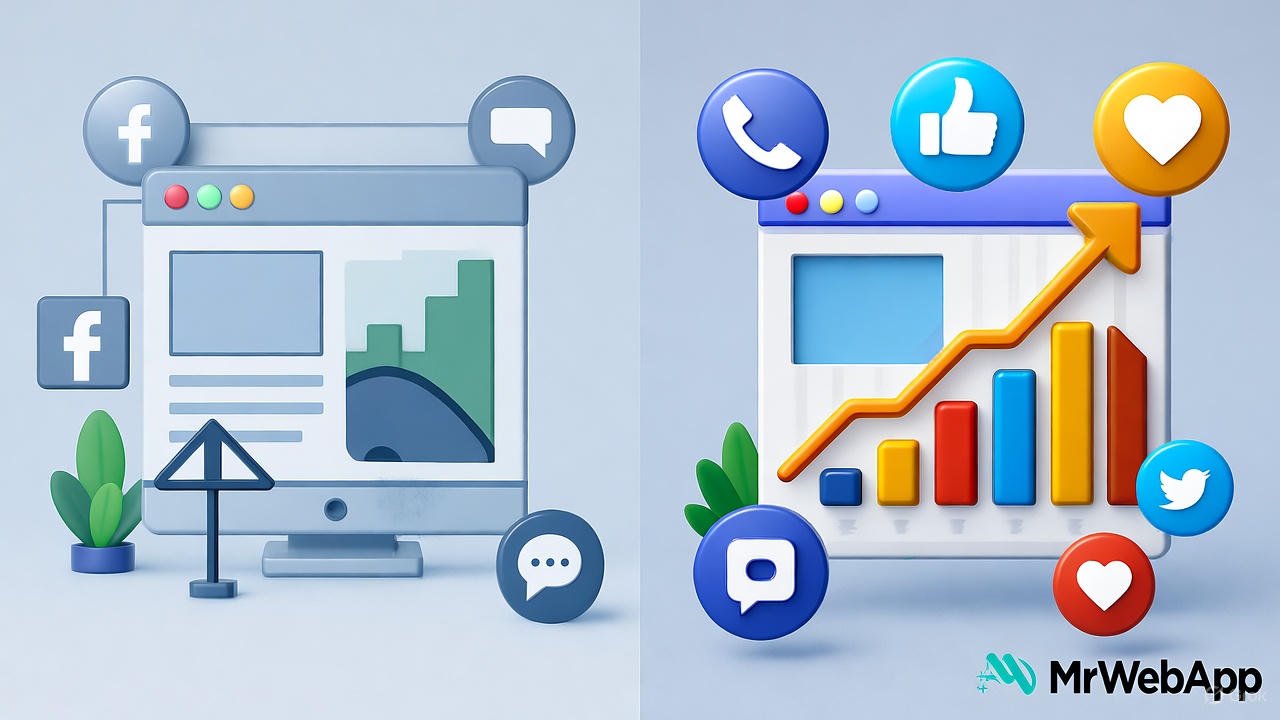
Poor Online Visibility before and after improvement

Poor Online Visibility? 5 Quick Fixes That Actually Work in 2025

Feeling invisible online? Many small businesses struggle to stand out in today’s crowded digital space. By October 2025, competition has intensified, and outdated strategies no longer cut it. At Mr WebApp, we’ve seen this firsthand and crafted solutions that deliver. This article gives you five easy fixes for Poor Online Visibility 5 Quick Fixes 2025 quickly. Let’s get started.

Based in Lahore, Mr WebApp, helps businesses thrive online. Our team focuses on practical strategies and insights. So, whether you run a shop or offer services, these tips fit your needs.

Optimize Your Website for Poor Online Visibility

Speed matters. A slow site pushes visitors away. First, check loading times with tools like Google PageSpeed. Then compress images and use a content delivery network.

Mobile use dominates in 2025. Ensure your site looks great on phones. This tweak boosts rankings and keeps users engaged. Visit mrwebapp.com/services for more web tips.

Do Local SEO to Fix Poor Online Visibility

Local searches give traffic. Claim your Google Business Profile today. Add your address, hours, and photos. Next, encourage customers to leave reviews.

Consistency helps. List your business on local directories. This step puts you on the map. Check Wikipedia for SEO basics.

Boost Content with Poor Online Visibility

Fresh content attracts visitors. Post blogs or videos weekly. Focus on topics your audience cares about. Then share them on social media.

Keywords matter too. Use tools like Ahrefs to find terms. This draws search engines to your site. Explore mrwebapp.com/blog for ideas.

Use Social Media Smartly for Poor Online Visibility

Social platforms amplify reach. Pick two channels, like Instagram or LinkedIn. Post regularly with engaging visuals. Then respond to comments fast.

Ads work well in 2025. Try a small budget on Facebook Ads. This targets your audience effectively. See HubSpot for social tips.

Backlinks build authority. Reach out to local blogs for guest posts. Offer value, not just links. Then track results with Google Search Console.

Image Placeholder

Poor Online Visibility before and after transformation
  • Alt Text: Poor Online Visibility 5 Quick Fixes 2025 graphic
  • Caption: Boost visibility with 5 quick fixes in 2025
  • Description: This image shows a graphic for Poor Online Visibility 5 Quick Fixes 2025. Highlighting strategies to improve online presence.

Measure and Adjust Your Poor Online Visibility

Track progress. Use Google Analytics to see traffic. Check which fixes work best. Then adjust your efforts accordingly.

Stay current. Trends shift fast in 2025. So, test new tools monthly. This keeps you ahead. See Shopify for analytics advice.

Real Success Stories with Poor Online Visibility

A cafe doubled visits. They optimized their site and claimed their profile. Customers found them easily. Growth followed.

A freelancer gained clients. Fresh blogs and backlinks did the trick. This shows these fixes work. Real results inspire.

FAQs

Why is my online visibility so low? It might be a slow site or weak SEO. Try our fixes to see changes.

How fast do these fixes work? Some show results in weeks. Others, like backlinks, take a month.

Do I need tech skills for this? No, our steps are simple. We guide you free.

Can small businesses use these? Yes, they’re designed for small teams like yours.

What if I need more help? Contact us. We offer free support anytime.

Take Action Today with MrWebApp

Ready to shine online? Visit mrwebapp.com now. Let’s boost your visibility together. Start with one fix today!

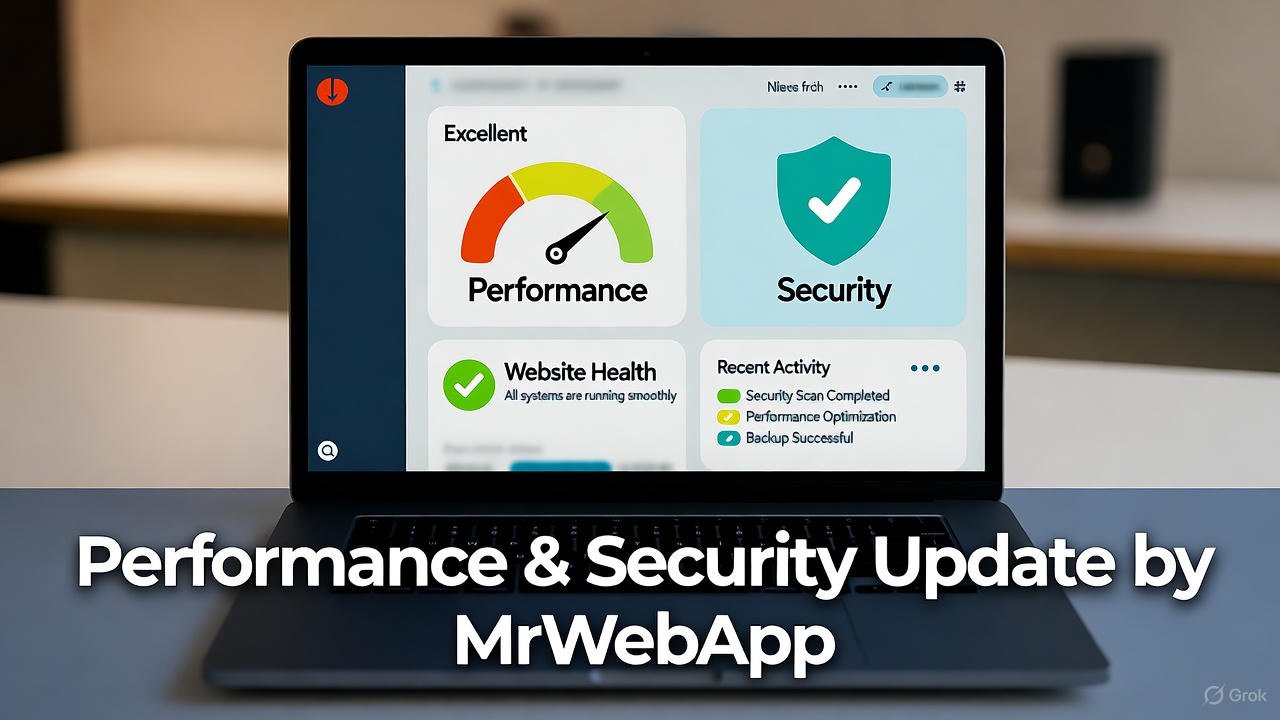
Performance & Security Update by MrWebApp

Continuous Website Maintenance — Keep Your Website Secure, Fast, and Growing

Is your website slowing down? Or maybe it sometimes crashes without warning? That means it needs a full Performance & Security Update.

Most business owners ignore this part until something breaks. Then they panic when customers leave or payments fail. You don’t have to face that. At MrWebApp, we make your site quick, stable, and secure every single day. And yes, you can start free and pay later — when your website starts earning.

What a Performance & Security Update Actually Means

Think of it like a full health check for your website. We fix the slow parts, remove the bugs, tighten the doors, and make it run smooth as butter.

A Performance & Security Update improves speed, stability, and protection from attacks. It’s not a one-time patch — it’s a system that keeps your digital business strong.

Our goal is simple: a website that loads in seconds and stays safe all the time.

Why You Need This Update Now

Most websites lose 30–40% of visitors if they load slowly. And even one security issue can break trust completely.

That’s why speed and safety are not extras anymore. They are your brand’s foundation. When people feel safe, they stay longer, buy more, and share your site confidently.

At MrWebApp, we mix performance and protection in one simple plan — so you don’t have to hire two teams or pay twice.

Our Process for Your Performance & Security Update

We don’t keep secrets. Here’s how we do it — step by step, clean and clear.

  1. Understand your goals
  2. Audit your current website
  3. Create an update strategy
  4. Prepare full backup and rollback plan
  5. Improve loading speed and caching
  6. Upgrade hosting and compression layers
  7. Secure data and forms
  8. Add firewalls and malware protection
  9. Test everything on desktop and mobile
  10. Launch and monitor performance

Each step is focused on one thing: make your site fast and safe. Our process is simple, bhai — no confusion, no waste.

Timeline — How Long It Takes

We divide the update into short, clear phases so you can track progress easily.

  • Phase 1: Kick-off meeting and website audit
  • Phase 2: Plan and approval
  • Phase 3: Implementation
  • Phase 4: Testing and fixes
  • Phase 5: Launch and monitoring

Most small sites finish within one to two weeks. For complex sites or eCommerce stores, it can take up to four weeks. You’ll always know what’s happening because we send progress updates every few days.

Tools and Technologies We Use

We use tools that are trusted globally. They are easy to maintain, reliable, and future-proof.

  • Google Lighthouse and GTmetrix for speed testing
  • Cloudflare CDN for faster delivery
  • SSL and HTTPS for secure access
  • Firewall and malware protection plugins
  • Redis and caching systems for performance
  • Uptime and error monitors for stability

These tools keep your site strong, safe, and quick — 24/7.

Team Roles You’ll Work With

Your Performance & Security Update isn’t done by one person. You’ll get a small, smart team handling every part with care.

  • Performance Engineer: Handles speed and caching
  • Security Engineer: Protects against hacks
  • Web Developer: Fixes code and structure
  • QA Expert: Tests everything before launch
  • Project Manager: Keeps you updated
  • Support Specialist: Monitors site after completion

Everyone knows their job — so you get professional results without confusion.

Schedules and Communication

You’ll never wonder what’s happening. We set up clear schedules from day one.

  • Weekly updates
  • Feedback calls
  • Live progress reports
  • Post-launch checks

If something urgent appears, our support team jumps in instantly.

Pricing Range

We keep pricing honest and flexible. Here are the usual ranges for Performance & Security Update projects:

  • Small business sites: $200 – $600
  • Medium or eCommerce sites: $600 – $1,500
  • Large or complex systems: $1,500 – $4,000

Exact pricing depends on your website’s condition and size. We discuss it after the audit — no hidden fees, no surprises.

Our Exclusive Offers

We don’t just sell updates. We start growth journeys. That’s why our offers are designed to help you move faster — even before paying.

  • Free Service Kickstart — we begin a basic update at zero cost
  • Free Audit Report — get a full report before any payment
  • Free Growth Plan — learn how speed and safety increase sales
  • Free Post-Launch Check — we test again after your site goes live
  • Free SEO Boost — optimize visuals and technical elements
  • 50% Off Custom Features after your website starts earning
  • Pay-from-Profits Model — pay a share when results come in

As Ahmad Bin Obaid says:

“We don’t sell services. We start your business for free, push growth, and you pay when earning.”

That’s not a slogan — it’s how we work every single day.

Why Our Process Works So Well

Speed and security go hand in hand. When your site runs fast, visitors trust you more. When it’s secure, they feel safe to buy or share data.

Here’s why our method works:

  • We track real performance numbers, not just scores
  • We use global best practices, but keep pricing local
  • We offer ongoing checks so your site stays optimized
  • We focus on results — more traffic, more leads, more sales

And yes, everything is handled in simple language. No tech talk, no confusion.

The Real Value for You

You don’t just get a faster website. You get peace of mind.

Imagine , no error messages, no hacking alerts — just smooth business every day. That’s what our Performance & Security Update gives you.

You also save money because you don’t need separate speed and security experts. Our combined system keeps things efficient and affordable.

Industries We Support

Our service fits almost any business type:

  • E-commerce brands who want faster checkouts
  • Education platforms needing stable logins
  • Real estate firms showing property listings
  • Restaurants managing online menus
  • Healthcare and clinics securing patient data
  • Startups and agencies needing reliable dashboards

Wherever you are — in Pakistan, UAE, UK, or USA — we can help you grow.

Why MrWebApp Is the Right Choice

Because we think like business people, not just developers. We understand your pain points:

  • You want results, not reports.
  • You want clear steps, not long meetings.
  • You want proof before payment.

Our model fits all three. Start free, test the results, then pay only when you see growth.

We call it smart partnership.

Our Promise

When you choose MrWebApp, you get:

  • A faster, safer website
  • Transparent pricing
  • Regular communication
  • Real performance reports
  • Free audits and post-checks
  • Support after completion

We treat your project like our own business — because your growth proves our skill.

Simple Example of Impact

One of our recent clients had a WooCommerce store that took 11 seconds to load. After our update, it loaded in 2.8 seconds and security rating jumped to A+. Their daily sales increased by 37%.

Results like that are not magic. They are the result of a focused Performance & Security Update done right.

FAQ

1. How much does a Performance & Security Update cost? It starts around $200 and depends on your site’s size and condition. You’ll get a full quote after the audit.

2. How long does it take? Most projects take one to four weeks depending on content and complexity.

3. What tools or technologies do you use? We use caching systems, CDN, SSL, security plugins, and speed testing tools.

4. Can you also help with engagement and conversions? Yes. A faster site means better SEO, higher trust, and more conversions.

5. What if something goes wrong after the update? We include a rollback plan and free post-launch support. You’re never left alone.

Thanks for reading!

Performance & Security Update that protects your business and grows your sales? Let’s make your website faster, safer, and stress-free today.

👉 Visit https://mrwebapp.com or 📱 WhatsApp us at +92 300 7118710

No upfront payment. No long waiting. Just results — quick, safe, and real.

MrWebApp — Smart Solutions. Real Growth.

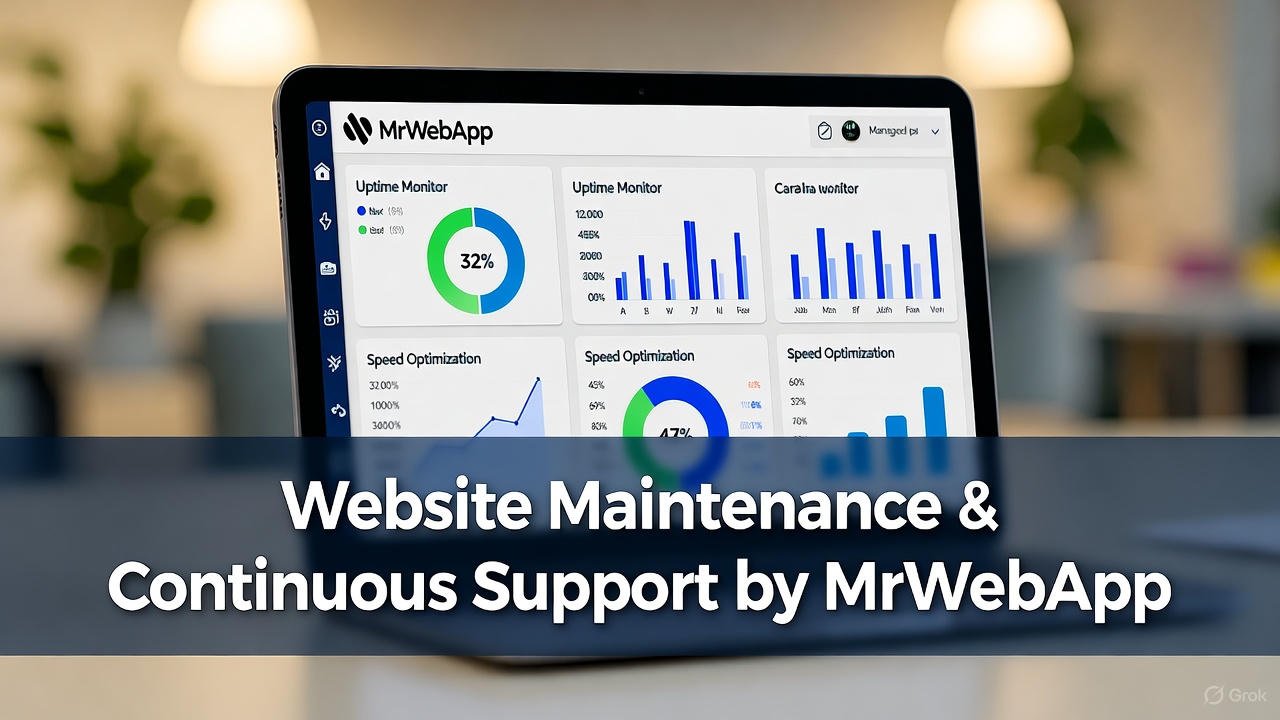
Website Maintenance & Continuous Support by MrWebApp

Website Maintenance & Continuous Support by MrWebApp

Keep Your Website Alive, Fast, and Working for You

Most businesses stop after launch. The site goes live, the project closes, and everyone disappears. That’s not how we work at MrWebApp. We stay with you — keeping your website secure, updated, and growing. Because a site isn’t a trophy, bhai. It’s a living system that needs care every week.

Your business deserves results, not dead pixels. We keep your website fast, easy to find, and better every day.. It can be a small website or a large online store. We keep it smooth, fast, and ranking well.

Why Maintenance Matters

Websites break, plugins expire, and Google updates its rules. Without maintenance, your site slows down and your sales drop. So, our job is simple: keep everything running, safe, and profitable. We monitor, update, improve, and report — so you can focus on business.

And yes, you start free. You pay only when your site begins to perform.

Our Process for Continuous Growth

Every maintenance plan follows a clear, no-stress process. Each step builds trust and delivers visible results.

1. Initial Health Check

We check your site for problems. That includes speed, security, broken links, old code, and missing SEO tags.

2. Backup & Security Setup

We set up automated backups and add strong security firewalls. If a hacker even blinks, we catch it first.

3. Performance Optimization

We reduce load time, compress images, and clean the code. Your site starts loading in seconds — not minutes.

4. Content & SEO Updates

We refresh old pages, add keywords, and improve titles. Fresh content means better ranking and more clicks.

5. Technical Fixes

From plugin conflicts to script errors, we handle it all. No tech stress, no developer chase.

6. Analytics & Reporting

We track your growth and share monthly reports. You see real numbers — traffic, conversions, and keyword reach.

7. Regular Design Improvements

Design trends change fast. We tweak layouts, improve visuals, and keep the brand modern.

8. Continuous Promotion

We connect your site to social media, Google tools, and marketing channels. Everything works together to drive visitors.

Timeline

We keep it structured and clear.

  • Day 1-3: Audit and fixes
  • Week 1-2: Performance and security setup
  • Month 1: SEO, content, and speed improvements
  • Ongoing: Monitoring, reports, and new updates every month

No delays, no mystery.

Tools & Technologies We Use

We use tools that keep your website sharp:

  • Google Analytics & Search Console for tracking
  • Yoast SEO & Rank Math for optimization
  • Cloudflare & SiteGround Security for protection
  • Ahrefs & SEMrush for backlink reports
  • WordPress, Shopify, Wix, Webflow — whichever you use
  • AI tools for content, keyword, and technical insights

Everything we use is proven, fast, and trusted by global brands.

Team Roles

Each project gets a dedicated crew:

  • Project Manager — keeps the flow smooth
  • SEO Expert — drives organic traffic
  • Developer — handles fixes and updates
  • Designer — improves visuals and layouts
  • Content Writer — adds fresh words that sell
  • Social Media Person — connects everything together

You always know who’s doing what.

Pricing

We keep pricing simple. Most maintenance plans range from $200 to $1,500 per month, based on your site’s size and needs. No hidden costs. No hourly billing drama. And yes — you start free and pay only when your website shows growth.

Special Offers

Because we believe in value first, we include:

  • Free SEO Audit
  • Free Performance Optimization
  • Free Growth Plan Report
  • Free Social Media Integration
  • Free Blog Article Setup
  • Free Backlink Support
  • 50 % Off Custom Design Tweaks (after results)
  • Pay-From-Profits Model — pay when you start earning

Why MrWebApp?

Most agencies stop at delivery. We don’t. Our job is not just to build your site — it’s to make it perform. We want your site to bring traffic, leads, and real sales.

Our clients reach over 100K impressions each year. We update your SEO, add new content, make your site faster, and connect it to your marketing.

This full-circle support turns your website into a business engine. No excuses. Only results.

Value That Brings Clients Back

We don’t sell maintenance; we build partnerships. Every task — from a small plugin update to a complete SEO overhaul — helps you grow. You’ll see smoother speed, higher rankings, and more customers on WhatsApp.

And because we start free, there’s no risk. We only win when you do.

Example of Our Maintenance Workflow

  1. Audit your site and fix basic errors.
  2. Update your CMS, plugins, and database.
  3. Improve on-page SEO with better keywords.
  4. Add backlinks from trusted websites.
  5. Write and post one fresh article monthly.
  6. Connect with Facebook, Instagram, and LinkedIn.
  7. Review analytics and adjust strategy.
  8. Share monthly growth report.

Each step keeps your site active and profitable.

Continuous Integration With Marketing

We also sync your website with:

  • Email tools
  • CRMs
  • Payment gateways
  • AI chatbots
  • POS systems

So, your website and marketing tools share the same data. No manual work, no double entries, no delays.

What You Get Every Month

  • Fast-loading website
  • Regular updates
  • Strong security
  • SEO growth
  • Analytics reports
  • Social integration
  • Real results

Everything managed by experts who actually care about your business.

Our Mission

“We help businesses grow online with smart, creative, and high-performing digital solutions.”

That’s not just a line — it’s our daily process. We build your system, grow it, and maintain it until it becomes a profit machine.

Frequently Asked Questions

Q1: How much does website maintenance cost? Most plans start at $200 per month. You pay only when you see results.

Q2: What’s included in maintenance? Security, updates, SEO, content, design tweaks, and performance checks.

Q3: How often do you update a site? Every week. Some updates are daily if your traffic or sales are high.

Q4: Do you manage SEO and content too? Yes. We handle on-page, off-page, backlinks, and articles every month.

Q5: What if I’m not happy with the results? You don’t pay. Our model is “start free, pay after results.” No risk.

Let’s Keep Your Website Alive

Your site deserves more than a launch. It deserves ongoing growth, faster results, and constant support. Let’s make it happen.

👉 Ready for website maintenance that actually works? Visit https://mrwebapp.com or WhatsApp +92 300 7118710 now.

Figma UX UI Designs by MrWebApp Build Apps Users need

Figma UX UI Designs by MrWebApp: Build Apps Users Love

Struggling to create apps that keep users hooked? You’re not alone. Many owners want figma ux ui designs that look great. But challenges hit hard. High costs strain budgets. Confusing layouts lose users. So, engagement drops low. Conversions stay poor. Marketing flops too. At MrWebApp, we fix this, bhai. Our figma ux ui designs start free. Next, we grow your business. You pay only when earning. Ready to launch designs that boost engagement? Let’s make it happen now.

Why MrWebApp? We Solve Your Design Woes

Ahmad Bin Obaid founded MrWebApp in Lahore. Our team helps startups and shops. We also serve eCommerce brands. Clients come from Pakistan, UAE, UK, and USA. Our mission is clear. Designs must drive growth. We do this without stress. Worried about pricey designs? Afraid users won’t stay? Here’s how we help. Start for free. Push for success. Payment comes later. The process is smooth as butter. Trust us, it’s a gamechanger.

Our Figma UX UI Designs: Made for You

Running a business is tough. Design shouldn’t add stress. So, our services solve problems. High costs get cut. Confusing layouts are fixed. User engagement rises. Conversions increase too. Marketing efforts grow stronger. Here’s what we offer.

Our Figma UX UI Design Process

  • Understand Your Goals
  • Research User Needs
  • Create Wireframes
  • Design Figma Prototypes
  • Test Usability
  • Finalize Designs
  • Support & Updates

Timeline

  • First Meeting
  • Research Phase
  • Wireframe Sign-Off
  • Prototype Delivery
  • Testing Period
  • Final Handover
  • Post-Launch Support

Tools We Use

  • Figma
  • Adobe XD
  • Sketch
  • InVision
  • User Testing Tools

Team Roles

  • UX Researcher
  • UI Designer
  • Figma Specialist
  • Usability Tester
  • Project Manager
  • Marketing Expert

Schedules

  • Weekly Updates
  • Feedback Calls
  • Milestone Dates
  • Post-Design Reviews

Pricing

  • Figma UX UI Design: $200 to $2,000
  • Figma Prototypes: $200 to $300
  • Custom UI Elements: $100 to $500
  • Usability Testing Add-On: $150 to $400

Offers You Can’t Ignore

Design projects feel risky. We understand that. So, we give value first. Our plan is straightforward. Figma ux ui designs start free. Your business grows next. Pay when you earn. Here’s what you get, no catch.

  • Free Figma UX UI Design Kickstart: No payment until starts. We cover the start.
  • Free User Research Report: We study users. So, designs fit their needs.
  • Free Growth Plan: Custom steps boost engagement. They increase conversions too.
  • Free Figma Prototype: Test an interactive design. It’s on us.
  • Free App Store Basic SEO for Visuals: Your designs rank high.
  • Free Social Media Mockups: Promote your app with visuals.
  • 50% Off Custom UI Elements: Half price after earnings.
  • Free Post-Launch Design Check: We tweak for better results.
  • Pay-from-Profits Model: Share earnings only if successful.

These offers solve pain points. High costs vanish. Confusing layouts disappear. Engagement rises fast. Conversions improve. Marketing gets stronger. Because we craft designs, your audience grows. Success comes before payment. It’s bold and smart.

Why Our Figma Design Services Win

Looking for affordable figma design services? Or easy-to-use app designs? We’ve got solutions. Tight budgets create stress. Complex tools cause confusion. Failed designs hurt. So, here’s how we help.

  • No Upfront Costs: Start free. Pay from profits. Perfect for small budgets.
  • No Tool Stress: We manage Figma. Focus on your business instead.
  • No User Drop-Offs: Easy designs keep users engaged.
  • Fast Delivery: Prototypes ready in weeks. Test ideas quickly.
  • No Failed Designs: Research ensures designs match user needs.

Our designs drive clicks. Sales increase too. From education to eCommerce, healthcare to travel, businesses shine. Check our design projects. Or try our design idea checker tool. See what’s possible. Next, let’s show our team at work.

Our Team in Action

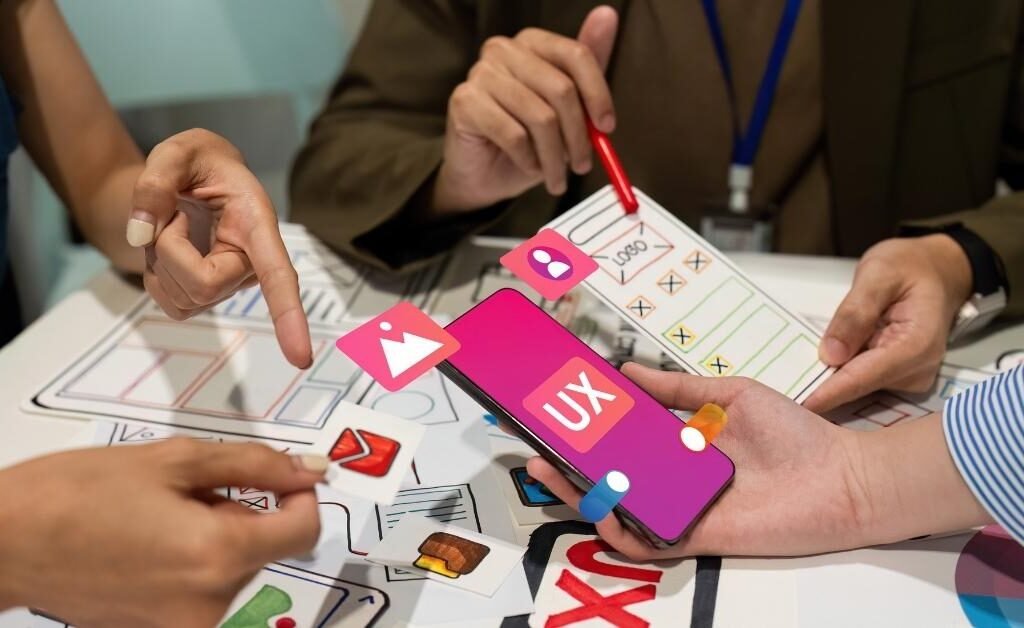
Our team works closely with you. Designs become user-friendly. Stress over tools vanishes. Bad layouts are history. Here’s a glimpse of us.

MrWebApp figma ux ui designs team process.

We use Figma for fast prototypes. It’s great for teams. Next, Adobe XD creates detailed UI. And Sketch delivers clean designs. These tools make us quick. They’re effective too.

Why Choose MrWebApp?

You’re building a business. Designs shouldn’t slow you down. So, we make it easy. Our figma ux ui designs look professional. They work smoothly. Figma speeds up prototypes. Adobe XD polishes flows. Free growth plans fix low engagement. Users stay longer. Marketing gets a boost. For tips, read our blog on design success. It shares key ideas.

Because we know your struggles. High costs block progress. Confusing designs lose users. Low engagement kills growth. Poor conversions mean no sales. Marketing fails without visuals. We fix this. Start free. Get value. Grow fast.

Now, let’s answer your questions. Clarity is our goal.

FAQs: Your Questions Answered

How much do Figma UX UI designs cost?
From $200 for prototypes to $2 Ascending order: $200, $300, $400, $500, $600, $700, $800, $900, $1000, $2000

How much does UX UI design cost? Prices start at $200 for Figma prototypes. They go up to $2,000 for full UX UI. But we start free. You pay from earnings.

How long does it take to create designs? Designs take 2 to 8 weeks. We follow a clear timeline. It fits your needs.

What tools do you use for design? We use Figma for prototypes. Adobe XD for UI work. Sketch for clean layouts. InVision for testing.

Do you help with user engagement? Yes, we do. Free research boosts engagement. SEO for visuals helps too. Users stay longer.

What if my design doesn’t work? No worry. We design for free. You pay only if it succeeds. We tweak until it works.

These answers help. They show our commitment. We make designs that win.

Android & iOS app development services by MrWebApp

Android & iOS App Development by MrWebApp: Launch Your App Fast

Want an app but worried about high costs or tech headaches? We hear you. Small business owners want affordable apps that drive downloads and sales. But they face big problems: pricey developers, apps that crash, or no users sticking around. At MrWebApp, we fix these issues, bhai. We start your app for free, grow your business, and you pay only when you earn. Ready to launch an app that rockets your sales? Let’s make it happen.

Why MrWebApp? We Solve Your Problems First

Ahmad Bin Obaid founded MrWebApp in Lahore. We help startups, small shops, and eCommerce brands grow online. Our clients are in Pakistan, UAE, UK, and USA. Our mission is simple: build apps that drive real growth without stress. Worried about spending too much upfront? Scared your app won’t attract users? We start free, push your success, and talk payment later. Our process is smooth as butter, trust me.

Our App Development Services: Built for You

Running a business is tough. You don’t need more stress from app development. Our services tackle your biggest worries: high costs, confusing tech, and apps that don’t sell. Here’s what we offer:

Our App Development Process

  • Step 1: Understand Your Idea
  • Step 2: Create Wireframes & Designs
  • Step 3: Build the App
  • Step 4: Test for Bugs
  • Step 5: Submit to App Stores
  • Step 6: Launch with Marketing
  • Step 7: Support & Updates

Timeline

  • First Meeting
  • Design Sign-Off
  • Building Time
  • Testing Phase
  • Launch Date
  • Growth Check-Ins

Technologies We Use

  • Android: Kotlin, Java
  • iOS: Swift
  • Cross-Platform: Flutter, React Native
  • Backend: Firebase, Node.js
  • Others

Team Roles

  • Project Manager
  • Designer
  • Android Developer
  • iOS Developer
  • Backend Developer
  • Tester
  • Marketing Expert

Schedules

  • Weekly Updates
  • Feedback Calls
  • Milestone Dates
  • Post-Launch Reviews

Pricing

  • Android App: $500 to $5,000
  • iOS App: $600 to $6,000
  • Cross-Platform App: $700 to $7,000
  • Custom Features: $200 to $2,000

Offers You Can’t Pass Up

We know starting an app feels risky. That’s why we front-load value to ease your worries. Our strategy? Build your app for free, grow your business, and you pay when you’re earning. Here’s what we give you, no catch:

  • Free App Build & Launch: No payment until your app makes money. just pay the necessary things
  • Free Marketing Push: We set up social media and ads to get downloads fast.
  • Free Growth Plan: A custom strategy to boost sales and keep users coming back.
  • Free 6-Month Hosting: No server costs. We handle the tech for you.
  • Free App Store SEO: Your app ranks high on Google Play and App Store from day one.
  • Free User Retention Tools: Push notifications and analytics to keep users engaged.
  • 50% Off Custom Features: Add extras at half price once your app is earning.
  • Free Post-Launch Check: We tweak your app to ensure it performs like a champ.
  • Pay-from-Profits Model: Pay a small share of earnings only when your app succeeds.

These offers solve your pain points: no cash upfront, no marketing flops, no user drop-offs. We build your app, grow your audience, and set you up for success before you spend a dime.

Why Our Process Works for You

Searching for “cheap app development” or “how to get app users”? We’ve got answers. Our process tackles what keeps you up at night: tight budgets, tech confusion, and apps that don’t deliver. Here’s how we help:

  • No Upfront Costs: Start free and pay from profits. Perfect for tight budgets.
  • No Tech Stress: We handle coding and design so you focus on your business.
  • No Marketing Fails: Free ads and SEO get users downloading and staying.
  • Fast Results: Your app launches in weeks, not months.
  • No Risk of Failure: Our growth plan ensures your app targets the right users.

From education to eCommerce, travel to healthcare, our apps help small businesses win. Check our mobile app portfolio or try our app idea checker tool to see what’s possible.

Our Team in Action

We work closely with you to turn your idea into a real app. No more worrying about bugs or unclear plans. Here’s a peek at our process:

Android & iOS app development services by MrWebApp.
Launch your dream app with MrWebApp’s expert services.

Why Choose MrWebApp?

You’re building a business, not just an app. We use Flutter for quick apps that work on both Android and iOS. Or we use Android and Apple tools for top-notch performance. Our free growth plans and marketing fix problems like few downloads or users leaving. Want tips? Read our blog on app success.

FAQs: Your Questions Answered

How much does an app cost? From $500 for Android to $7,000 for cross-platform—but start free and pay from earnings!

How long does it take to build an app? Most apps launch in 4–12 weeks with a clear timeline.

What tech do you use? Kotlin/Java for Android, Swift for iOS, and Flutter/React Native for both.

Do you help with marketing? Yes! Free ads and SEO drive downloads and user engagement.

What if my app doesn’t work? No risk—we grow your app for free and you pay only if it succeeds.

Ready to Launch Your App?

Your app should drive growth, not stress. We build Android and iOS apps for free. We push your business forward with marketing and growth plans. You pay only when you earn. Your app could launch next month, bringing in users and sales.

Launch your dream app now! Visit https://mrwebapp.com or WhatsApp us at +92 300 7118710. Let’s make your app unstoppable, bhai.

Figma UI/UX design vs alternatives like Adobe XD and Webflow in 2025

Is Figma the Best Choice for UI/UX Development, or Are There Better Alternatives?

UI/UX design is the backbone of modern digital products. Whether it’s a website, mobile app, or SaaS platform, the first interaction a user has is with the design—and that first impression determines everything. In recent years, Figma has become the most popular UI/UX design tool, used by freelancers, agencies, and enterprises alike. But the question remains: Is Figma the best choice in 2025, or do better alternatives exist?


  1. Cloud-Based Collaboration
    Unlike older tools that required heavy installation, Figma is browser-based and allows real-time collaboration. Teams across the globe can work together without versioning issues.
  2. Cross-Platform Flexibility
    Figma works seamlessly on Windows, macOS, Linux, and even in browsers. Designers don’t need high-end systems to get started.
  3. Free Plan for Beginners
    Figma’s free plan has always been attractive for startups and solo designers. It provides enough functionality to launch professional projects without upfront costs.
  4. Plugins and Community Resources
    The Figma community offers free templates, icons, and plugins that speed up the design process.

Limitations of Figma

While Figma is powerful, it’s not perfect.

  • Performance with Heavy Projects – Large enterprise projects with thousands of frames can slow down performance.
  • Internet Dependency – Although Figma introduced offline mode, it’s still not as smooth as Sketch or Adobe XD in offline workflows.
  • Enterprise Pricing – Figma is affordable at first, but larger teams often face high costs when scaling up.
  • Prototyping Limitations – While decent, Figma’s prototyping features are not as advanced as specialized prototyping tools.

Alternatives to Figma in 2025

If you’re exploring beyond Figma, here are the most competitive tools:

1. Adobe XD

  • Strengths: Smooth offline work, strong integration with Adobe Creative Cloud.
  • Weaknesses: Slower updates compared to Figma, declining popularity.

2. Sketch

  • Strengths: Excellent for macOS users, lightweight and efficient.
  • Weaknesses: macOS-only, limited real-time collaboration.

3. Webflow (for Designers who want Development Control)

  • Strengths: Combines design + development, export directly to responsive websites.
  • Weaknesses: Steeper learning curve for designers who don’t code.

4. Canva (for Non-Designers)

  • Strengths: Easy-to-use drag-and-drop UI, great for marketers or small business owners.
  • Weaknesses: Not a professional-grade UI/UX tool.

5. Penpot (Open-Source Alternative)

  • Strengths: Free and open-source, growing fast among developers and designers.
  • Weaknesses: Still lacks some polish compared to Figma.

When to Stick with Figma

  • If your team works remotely and requires real-time collaboration.
  • If you need a single tool for wireframing, UI design, and basic prototyping.
  • If you want access to a large community and resource library.

When to Consider an Alternative

  • If you need offline-first workflows (Adobe XD or Sketch).
  • If you want to design and directly build websites (Webflow).
  • If you want a fully free, open-source solution (Penpot).

MR WebApp’s Expert Take

At MR WebApp, we’ve worked with multiple design tools across projects in the US, UK, and Europe. While Figma remains the most efficient and versatile tool for UI/UX in 2025, we sometimes combine it with Webflow for faster development handoffs or Adobe XD for offline-heavy enterprise teams.

👉 If you’re a business owner or startup in America looking for custom website design, pairing Figma + MR WebApp development services ensures your design vision is executed flawlessly.

Conclusion

So, is Figma the best choice for UI/UX development? The answer is yes—for most teams in 2025, it’s still the top pick. However, depending on your workflow, scale, and budget, alternatives like Webflow, Adobe XD, or Penpot might be a smarter choice.

At the end of the day, the best tool is the one that aligns with your business goals, design needs, and development process. If you’re serious about taking your UI/UX design to the next level, MR WebApp can help you transform Figma designs into fully functional websites tailored for the American market.


We Build & Design Webapps, Websites, Mobile Apps, and Memecoin Websites

We Build & Design: Webapps, Websites, Mobile Apps, and Memecoin Websites

Introduction: What We Build & Design

In today’s digital world, every business needs more than just an online presence. They need a powerful platform that creates trust, connects with customers, and generates sales. At Mrwebapp, we build and design webapps, websites, mobile apps, and memecoin websites for businesses of all sizes.

Our mission is simple: to deliver digital solutions that turn visitors into loyal clients and brands into market leaders.


Webapps: Smart Tools for Smarter Businesses

What is a webapp?
A webapp is an online application that runs in your browser and helps you do more than just browse — it helps you interact, learn, and manage.

Examples of Webapps We Build & Design:

  • Online booking platforms
  • Learning management systems
  • Business dashboards
  • Customer support portals

👉 Webapps save time, improve efficiency, and give your clients an engaging experience.


Websites: Your Brand’s First Impression

Your website is the digital face of your brand. That’s why we build websites that are modern, responsive, and SEO-optimized.

Our Website Services Include:

  • Corporate websites for companies
  • E-commerce websites for product sales
  • Educational websites for schools & colleges
  • Personal portfolio websites

Unique Features:

  • WhatsApp integration for instant leads
  • Contact forms for direct inquiries
  • Google-friendly SEO structure
  • Fast, mobile-first performance

Outbound Link Example: Why a website matters for business growth.


Mobile Apps: Stay Closer to Your Customers

Mobile apps give your customers 24/7 access to your services. We design apps that are fast, secure, and user-friendly.

Benefits of Our Mobile Apps:

  • Push notifications to update clients instantly
  • Smooth design with better user experience
  • Integration with websites & payment systems
  • Multilingual support for global users

Industries We Serve:

  • Education (student apps, results, portals)
  • Travel & Taxi booking apps
  • Retail & Shopping apps
  • Service businesses (consultation booking)

Memecoin Websites: The Future of Digital Communities

Crypto and blockchain are the future of the internet, and memecoins are the new way to build communities. We design memecoin websites that are visually powerful and trust-building.

Features of Our Memecoin Websites:

  • Tokenomics presentation with graphics
  • Roadmap & whitepaper sections
  • Live charts and wallet integration
  • Community engagement tools
  • SEO & multilingual support

👉 A well-built memecoin website helps your token stand out in a crowded market.


Why Choose Mrwebapp?

When we say “We Build & Design: Webapps, Websites, Mobile Apps, Memecoin Websites,” we mean quality, trust, and results.

Our Core Values:

  1. Build Trust – Every design builds credibility.
  2. Create Growth – Websites & apps that bring sales.
  3. Stay Future-Ready – From SEO to blockchain.

Our Clients & Projects

We’ve delivered projects across multiple industries:

  • Education: Jajja Academy, Royal Group of Colleges
  • E-commerce: Shopnwow.pk
  • Manufacturing: AN Regulators
  • Travel & Taxi: Makkamadinataxi.com

Inbound Link Example: View our portfolio of successful projects.


Our Process: From Idea to Launch

  1. Consultation: We listen to your goals.
  2. Strategy: Plan the design roadmap.
  3. Development: Build with latest tools.
  4. Testing & Launch: Smooth deployment.
  5. Support: Free maintenance included.

Contact Us

📍 Address: Lahore Pia Society Gulberg, Pakistan
📧 Email: info@mrwebapp.com
📱 Phone/WhatsApp: +92 300 7118710
🌐 Website: www.mrwebapp.com


Conclusion: We Build & Design for Growth

So, what do we build & design? We create webapps, websites, mobile apps, and memecoin websites that help businesses look professional, gain trust, and grow faster.

👉 If you want to transform your digital presence with premium design and proven strategy, Mrwebapp is your partner in success.